Table of Contents
An ecommerce store migration is one of the riskiest projects an online business can run. Moving from one platform to another changes URLs, templates and code all at once, and Google has to work out the new site from scratch.
Done well, a migration keeps your rankings intact and gives you a faster, easier store to grow. Done badly, it can cut organic revenue for months. This guide covers the planning, the redirect work and the launch checks that protect your SEO, whether you are moving to Shopify, WooCommerce or a custom build.
📌 TL;DR:
- Most ranking losses after a migration come from missing or wrong redirects, not from the new platform itself.
- Crawl and benchmark the old store before anything changes, so you know exactly what you need to protect.
- Map every old URL to its closest new equivalent with a 301 redirect, never to the homepage.
- Keep titles, content and internal links on key pages as close to the original as possible at launch.
- Check the live site on day one, then monitor Search Console closely for the following weeks.
Why Does an Ecommerce Store Migration Put Rankings at Risk?
Google ranks URLs, not businesses. When those URLs change, every ranking, backlink and internal link signal tied to them has to be passed to a new address. Any URL that is not redirected properly loses that history.
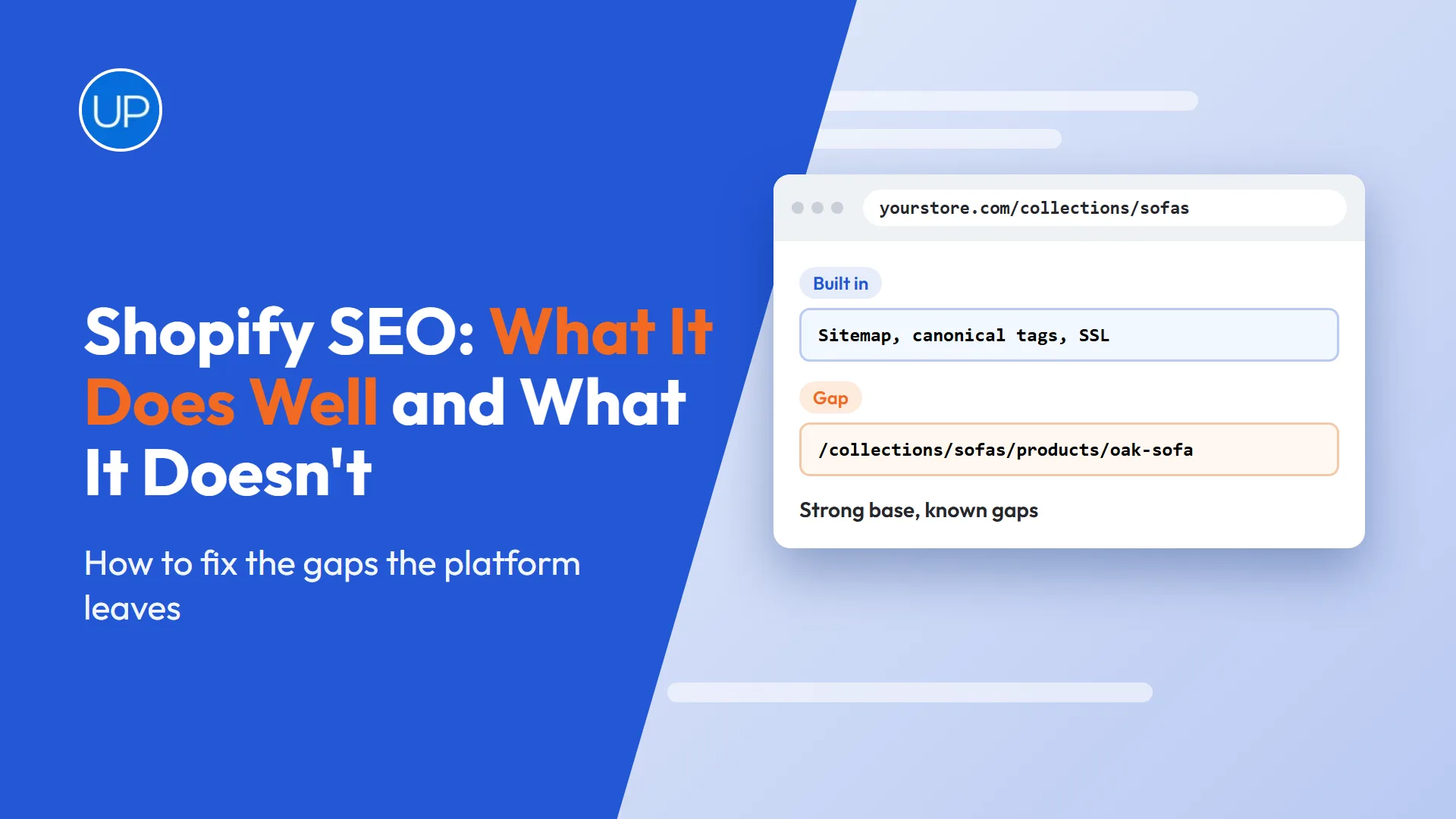
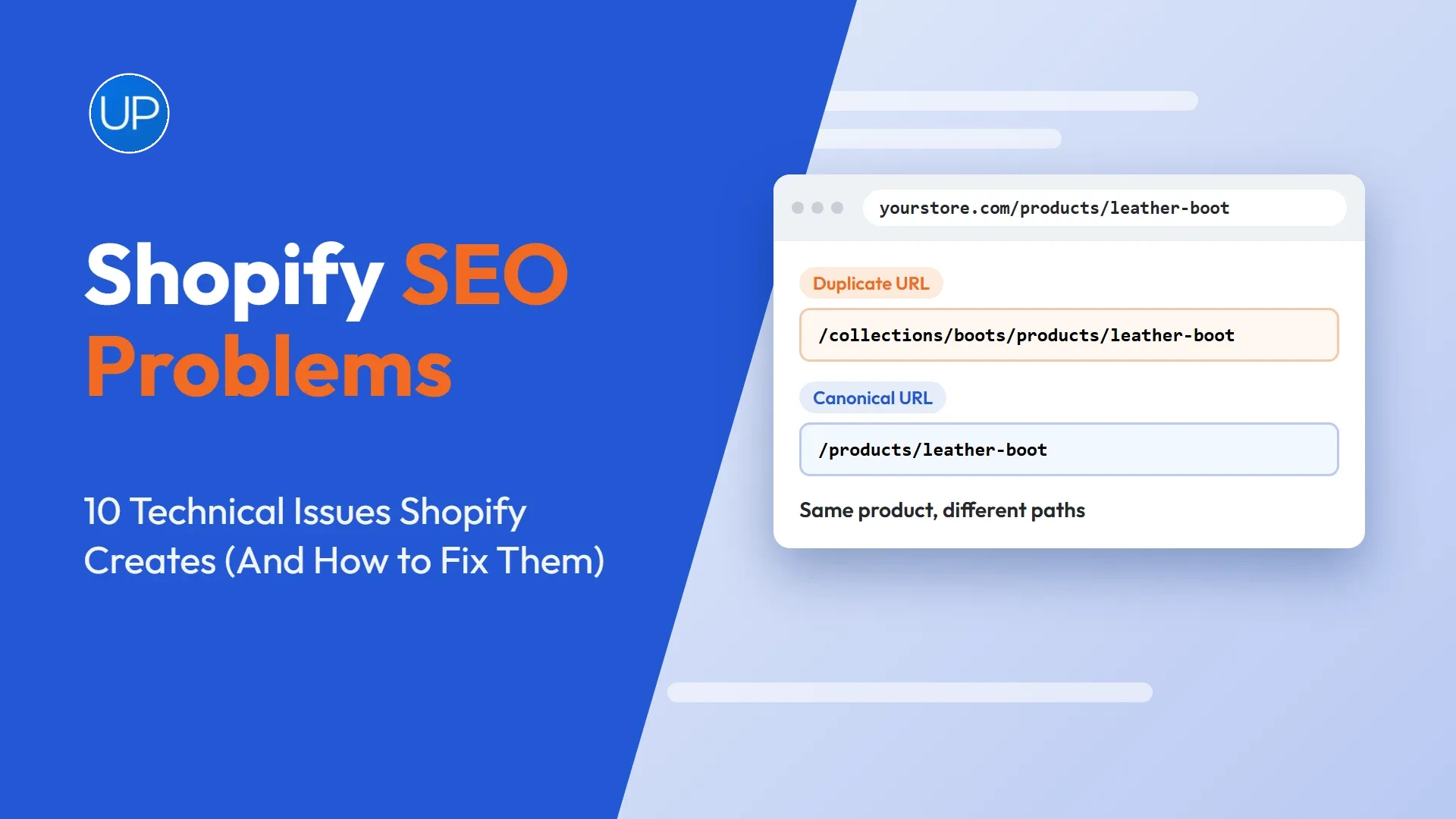
- URL changes. Platforms use different structures. Shopify, for example, forces /products/ and /collections/ into every URL.
- Template changes. New themes can drop copy, headings or structured data that the old pages relied on.
- Technical defaults. Staging blocks, noindex tags and robots.txt rules sometimes go live by mistake.
- Lost links. Backlinks pointing at old URLs stop passing value if those URLs return 404 errors.
What Should You Do Before You Migrate?
Preparation decides most of the outcome. The goal is a complete record of what the current store has, so nothing valuable gets lost in the move.
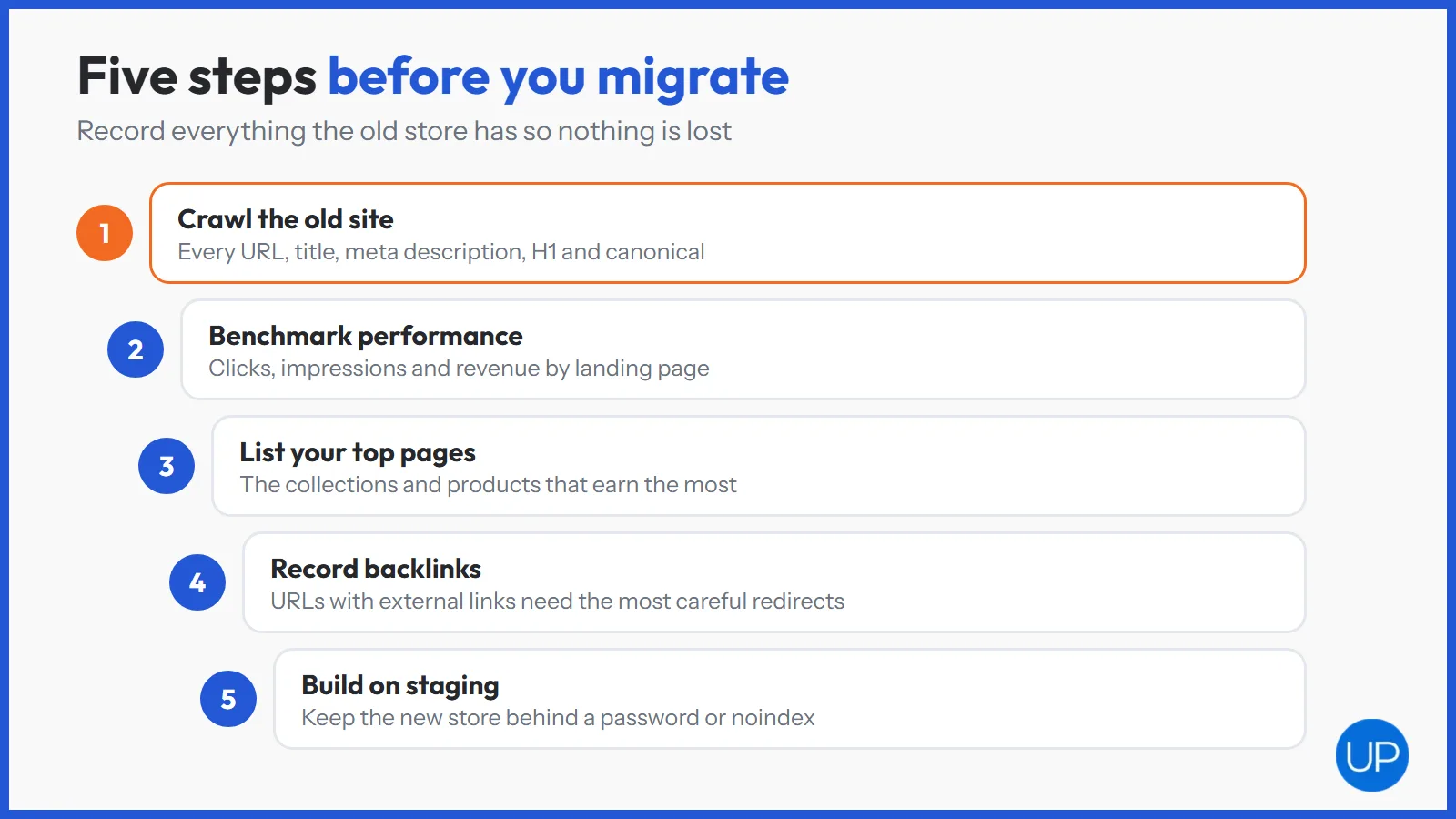
- Crawl the old site. Export every URL, title, meta description, H1 and canonical tag with a crawler.
- Benchmark performance. Save clicks, impressions and revenue by landing page from Google Search Console and analytics.
- List your top pages. Identify the collections, products and articles that earn the most traffic, revenue and backlinks.
- Record backlinks. Note which URLs have external links, because those redirects matter most.
- Build on staging. Keep the new store behind a password or noindex until launch day.
An independent website SEO audit before the move is worth the time. It catches existing problems so you do not carry them onto the new platform.
How Do You Build a Redirect Map That Protects Rankings?
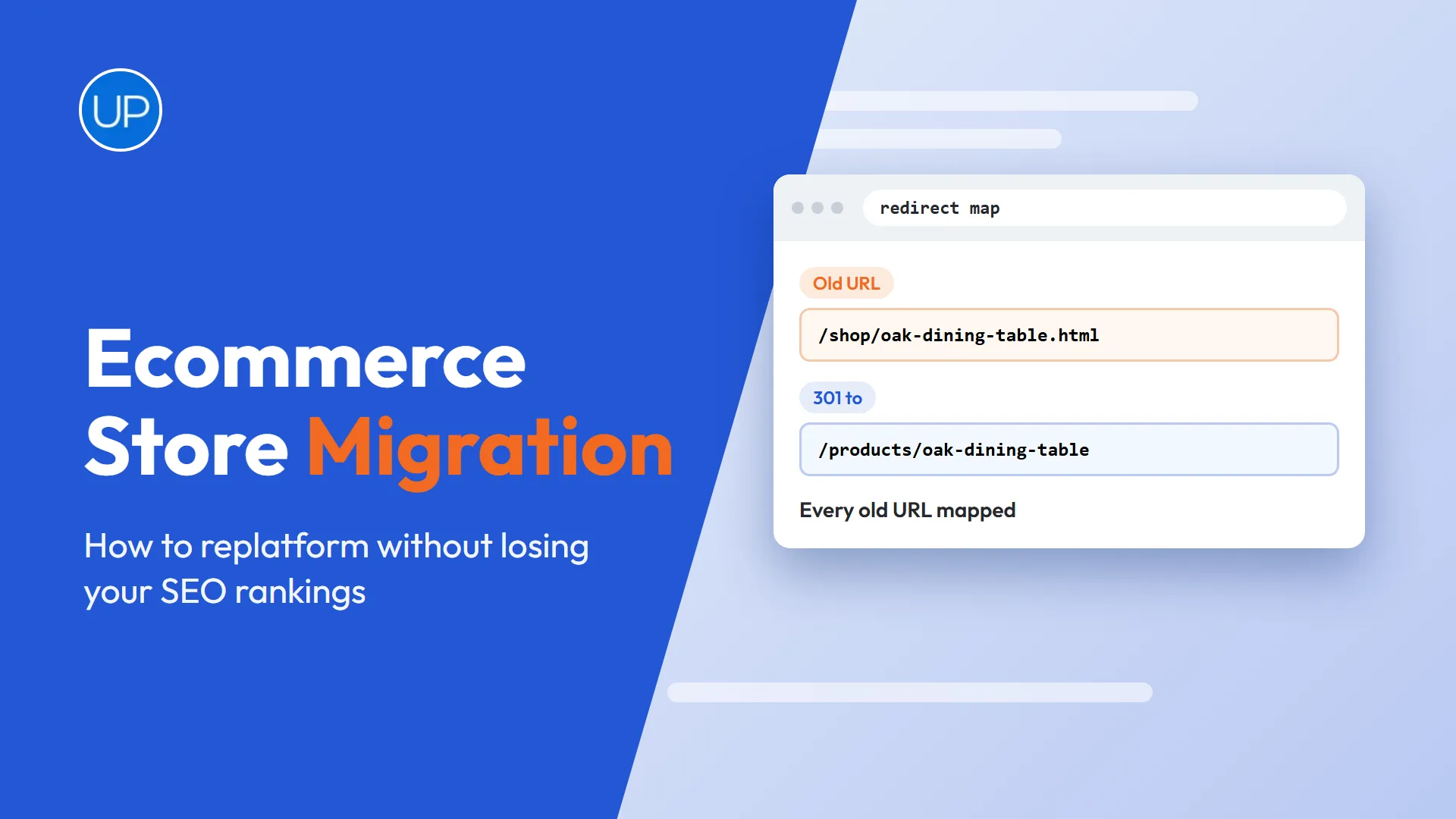
The redirect map is the single most important document in the project. It lists every old URL and the new URL it should point to with a permanent 301 redirect.
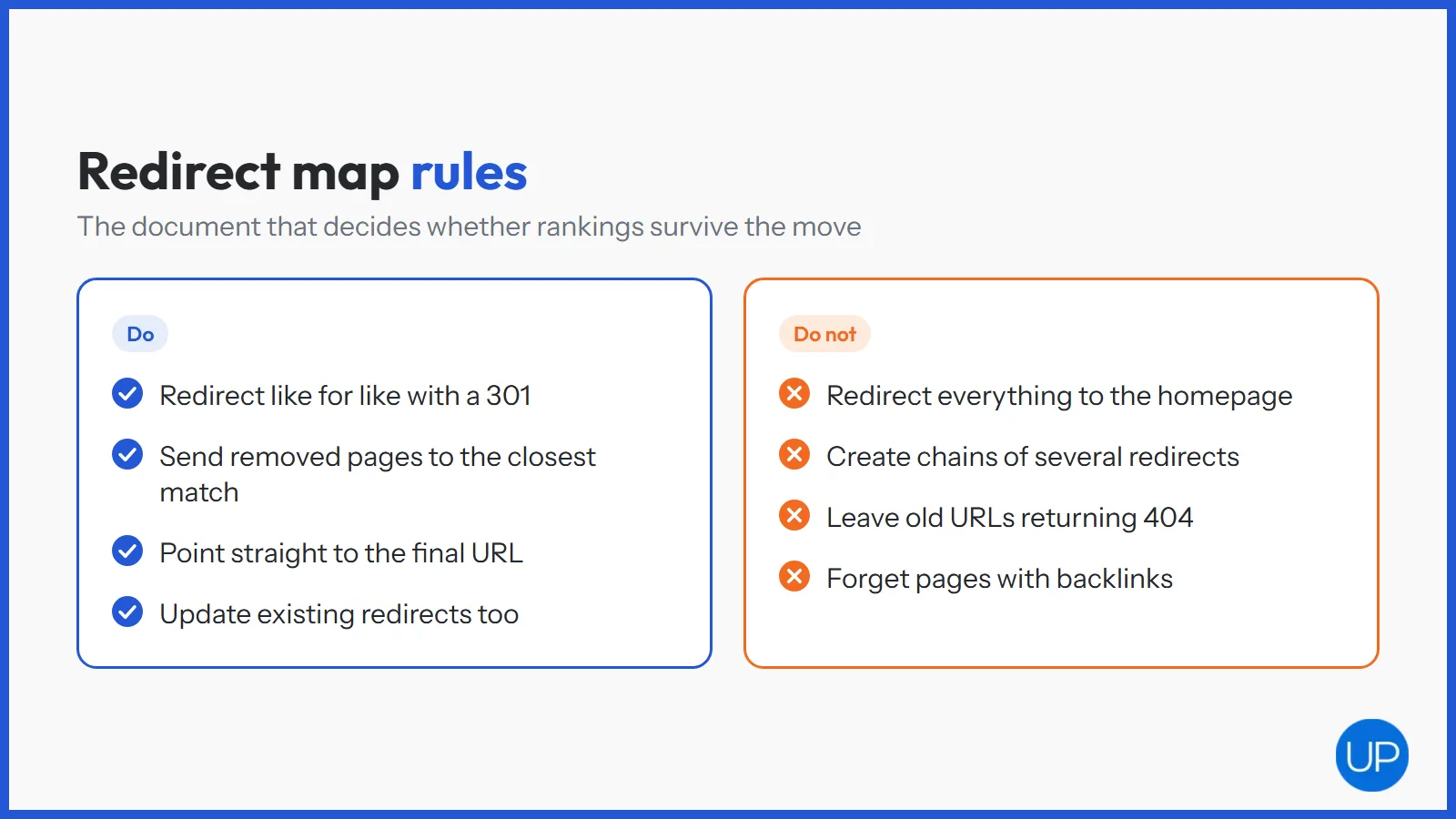
- Match like for like. A product redirects to the same product, a collection to the same collection.
- Use the closest match for removed pages. A discontinued product should point to its parent collection or a close replacement.
- Never redirect everything to the homepage. Google tends to treat mass homepage redirects as soft 404s, so the ranking value is lost.
- Avoid chains. Point old URLs straight to the final destination, not through several hops.
- Include old redirects. URLs that already redirect on the current site need updating to the new destinations too.
Platform specifics matter here. A UK Shopify SEO agency will know how Shopify handles redirects and nested product URLs. Stores moving to WordPress need someone who knows how WooCommerce builds categories and product bases, which is where a WordPress SEO expert earns their place on the project.
What Does a Lost URL Actually Cost?
It is easy to underestimate the damage from a batch of broken URLs. The impact shows up in rankings, crawl efficiency and lost authority all at once.
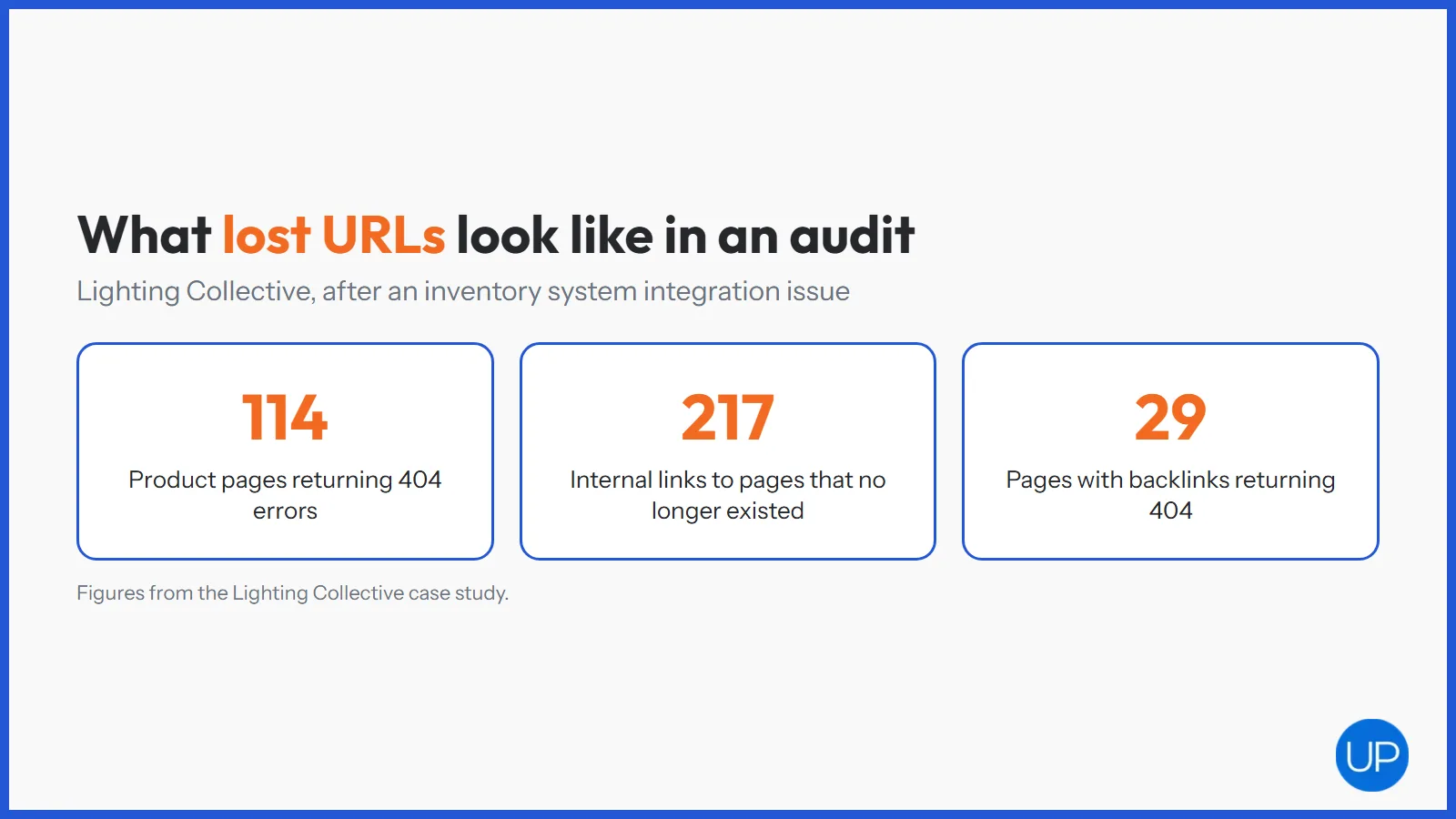
Lighting Collective, an Australian luxury lighting retailer, did not migrate, but it shows the same failure in action. An inventory system integration issue meant 114 product pages started returning 404 errors and 217 internal links pointed at pages that no longer existed. The audit also found 29 pages with backlinks that now returned 404, which were flagged as the first fixes.
- Rankings drop for every URL that disappears without a redirect.
- Internal links break, which wastes crawling and weakens the pages that remain.
- Backlink value is lost until the dead URLs are redirected to the right place.
A migration can create this kind of damage across thousands of URLs on a single day, which is why the redirect map deserves so much care.
What Should You Check on Launch Day?
Launch day is about catching mistakes before Google does. Work through a short list straight after the new store goes live.
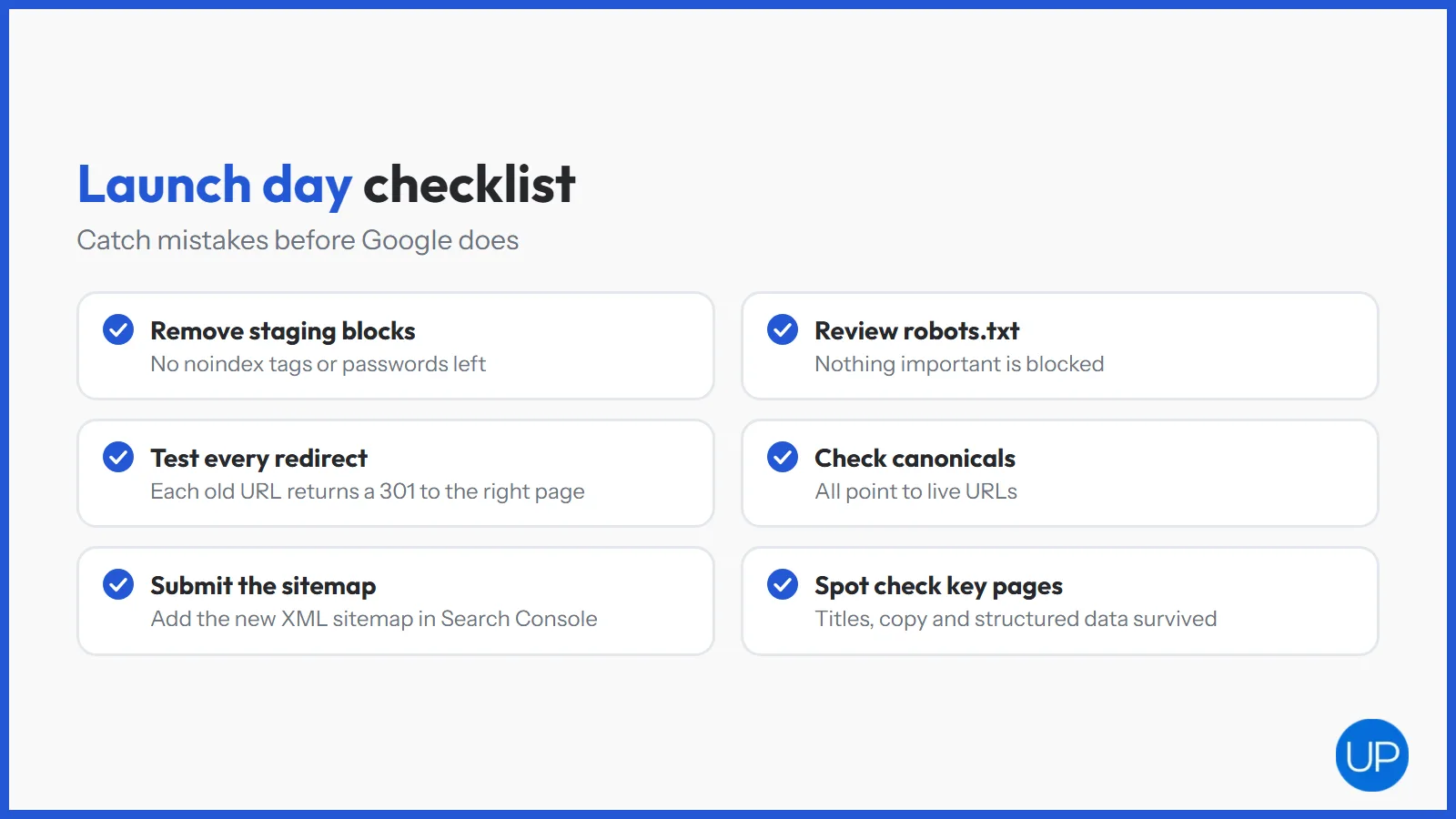
- Remove staging blocks. Check that noindex tags and password protection are gone.
- Review robots.txt. Make sure it does not block important sections or resources.
- Test the redirects. Crawl the full list of old URLs and confirm each returns a 301 to the right page.
- Check canonicals and sitemaps. Canonical tags should point to live URLs, and the new XML sitemap should be submitted in Search Console.
- Spot check key pages. Confirm titles, headings, copy and structured data survived the move on your top collections and products.
If the domain is changing as well as the platform, follow Google’s guidance on site moves with URL changes and use the Change of Address tool in Search Console.
How Do You Monitor SEO After the Migration?
Some movement in rankings is normal while Google recrawls the store. What matters is spotting real problems early and fixing them before they settle in.
- Watch the Page indexing report for spikes in 404s, redirect errors or pages excluded by noindex.
- Compare landing pages against your benchmark to see which collections and products have lost clicks.
- Recrawl weekly for broken internal links and redirect chains that slipped through.
- Check speed and Core Web Vitals, since new themes and apps can change performance a lot.
Ongoing monitoring like this sits naturally with technical SEO services, and our guide to an ecommerce SEO audit when organic traffic drops sets out what to check if numbers fall.
Should You Get Specialist Help With a Migration?
Small stores with a few dozen pages can often manage a migration in house with a careful redirect map. Larger catalogues, domain changes and custom builds carry far more risk.
- Bring in help early, ideally before the new site structure is finalised, so URLs can be planned with SEO in mind.
- Agree ownership of the redirect map, launch checks and post launch monitoring.
- Plan for the long term, because the new platform is also a chance to fix old problems.
Some stores only need SEO consulting to review the plan and check the build. Others hand the whole SEO side to an ecommerce SEO agency.
Stores moving onto WordPress may also want dedicated WooCommerce SEO services once the new store is live, so categories, product bases and plugins are set up for search from the start.
How Do You Make the Migration Pay Off?
A successful ecommerce store migration is mostly preparation. Benchmark the old site, map every URL, keep key pages intact and check everything on launch day.
The stores that come out ahead treat the move as a fresh start rather than a risk to survive. With a clean redirect map and close monitoring, the new platform becomes a better base for collections, content and growth that compounds.
Frequently Asked Questions
Yes. Any migration that changes URLs, templates or domains can affect rankings, because Google has to recrawl and reassess the site. With complete 301 redirects and preserved content, most stores see only short term movement. Missing redirects are the main cause of lasting losses.
It varies with the size of the site and the quality of the migration. A well planned move often settles within a few weeks, while large stores or domain changes can take several months. Ongoing drops after that usually point to redirect or indexing problems.
Ecommerce replatforming is moving an online store from one ecommerce platform to another, for example from Magento or WooCommerce to Shopify. It usually involves new URLs, templates and integrations, so SEO needs to be planned from the start of the project.
Crawl and benchmark the old site, build a complete 301 redirect map, keep key content and metadata, and test everything on staging. After launch, remove staging blocks, submit the new sitemap and monitor Search Console closely for errors and traffic changes.
The main types are platform or CMS migrations, domain changes, URL structure changes, moves from HTTP to HTTPS and site mergers. Many ecommerce projects combine several at once, such as a new platform and a new URL structure, which raises the risk.