Table of Contents
Product pages are where the sale happens, yet many stores treat them as an afterthought. They copy the manufacturer’s description, leave the default title and hope Google sorts out the rest.
This guide explains how to rank product pages on Google in a practical order. It covers which searches a product page can realistically win, how to write and structure the page, and the technical details that decide whether it shows up at all. It is written for ecommerce owners and marketers who want more sales from the products they already stock.
📌 TL;DR:
- Product pages win specific searches such as brand, model, size and colour. Broad category terms belong to collection pages.
- Write a unique title, description and supporting copy for every product that matters to revenue.
- Add Product structured data with price, availability and reviews so the page qualifies for rich results.
- Link to each product from its collection, related products and relevant guides.
- Handle variants and out of stock items deliberately rather than leaving them to the platform defaults.
Which Searches Can a Product Page Actually Win?
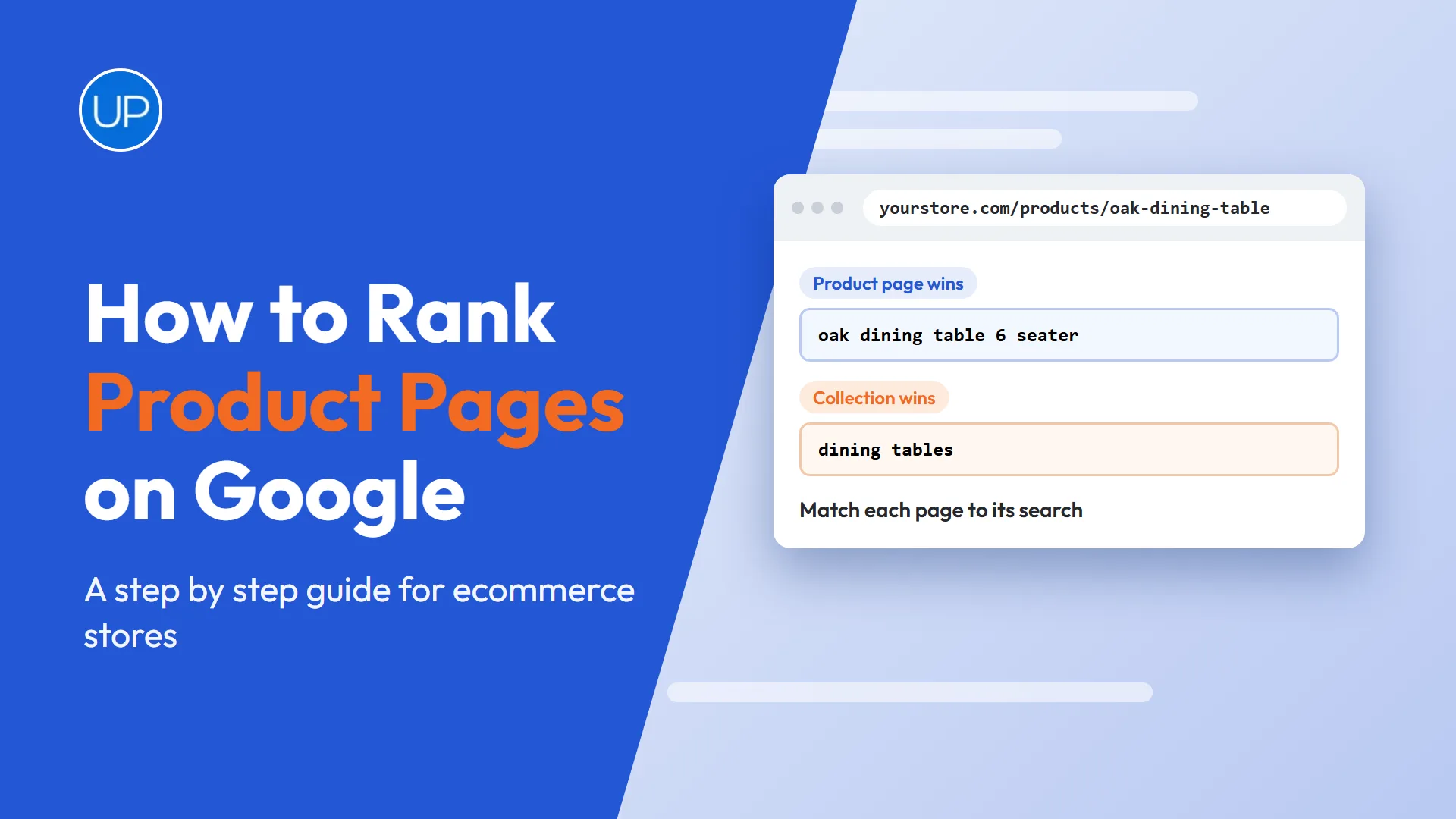
The first step is matching the page to the right search. Product pages rarely rank for broad terms like “oak dining tables”. Google usually shows collection pages for those, because the shopper still wants to compare options.
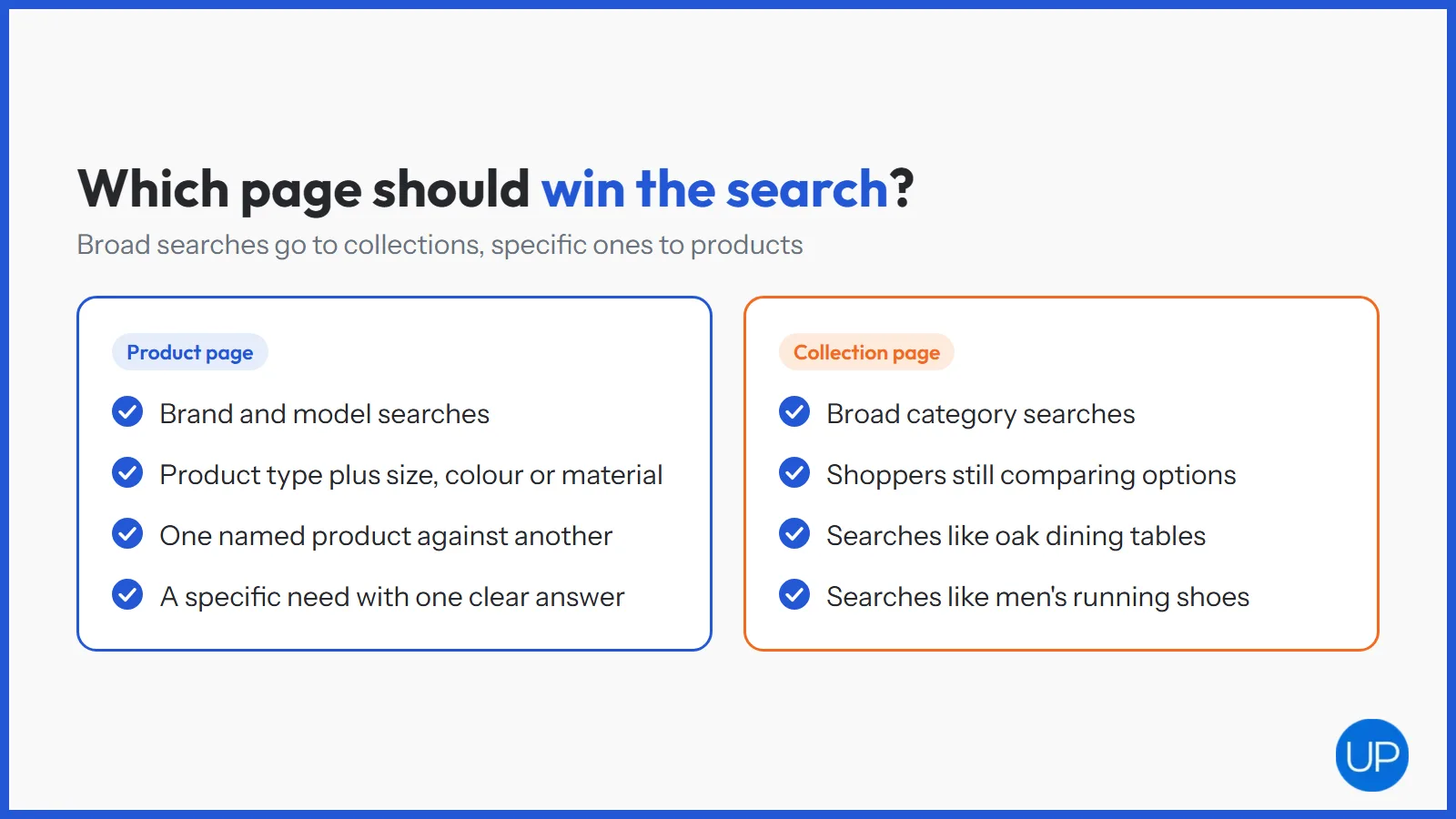
Product pages win when the shopper already knows what they want. That makes the search more specific, and usually closer to a purchase.
- Brand and model searches, such as a named product and its model number.
- Attribute searches, such as a product type plus size, colour or material.
- Problem and use searches, where a product is the clear answer to a specific need.
- Comparison searches, where shoppers check one named product against another.
Getting this split right is the job of your collection structure. Our guide to optimising collection pages covers the broader terms that sit one level above.
How Do You Write Product Page Content That Ranks?
Copy is the biggest lever most stores ignore. If your description is the same text the manufacturer gave every other retailer, Google has no reason to choose your page.
- Title tag: lead with the product name and the attribute people search for, then add the brand or store name if space allows.
- H1: use the clear product name a shopper would recognise.
- Description: explain who it is for, what problem it solves and how it compares, in your own words.
- Specifications: list dimensions, materials, compatibility and care in a scannable format.
- Questions: answer the questions customers ask your team, such as sizing, delivery and returns.
Start with your best sellers and the products closest to page one. If writing at scale is the bottleneck, an SEO content writing service can produce copy that stays on brand across hundreds of products.
Which On Page Elements Matter Most?
Beyond the copy, a few page elements decide how clearly Google understands the product. These are quick wins on most stores.
- Clean URLs. Short, readable handles with the product name, and no random IDs where you can avoid them.
- Image alt text. Describe what each image shows, including colour and angle, rather than repeating the product name.
- Image file names. Rename files before upload so they describe the product.
- Breadcrumbs. Show the path from home to collection to product, which helps both shoppers and crawlers.
- Reviews on the page. Real customer reviews add fresh, unique text and build trust.
These details are the core of on page SEO services for stores, because they apply to every product template at once.
How Does Structured Data Help Product Pages Rank?
Structured data tells Google exactly what the page sells: the product, its price, its stock status and its rating. It does not guarantee higher rankings, but it makes the page eligible for richer search results that earn more clicks.
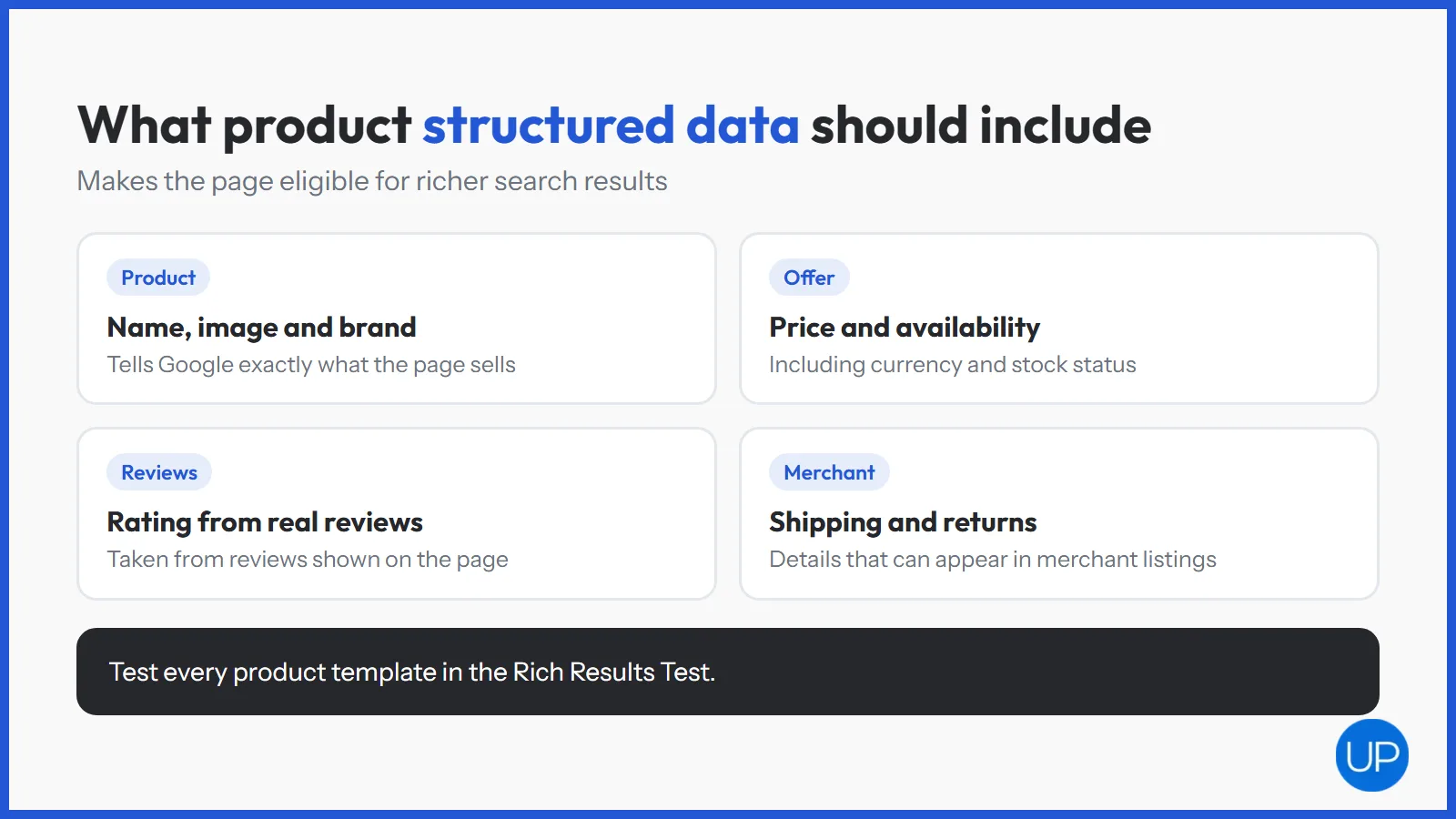
- Product markup with name, image, brand and description.
- Offer details including price, currency and availability.
- Review and rating data, taken from genuine reviews shown on the page.
- Shipping and returns details, which can appear in merchant listings.
Most Shopify and WooCommerce themes include some markup, but it is often incomplete. Check your pages against Google’s product structured data documentation and test them in the Rich Results Test. Connecting your catalogue to Google Merchant Center also opens up free product listings.
How Do Internal Links Push Product Pages Up?
A product page that nothing links to is hard for Google to find and easy for it to ignore. Internal links pass authority from strong pages to the products that matter.
- Collection pages should link to the products within them in plain, crawlable links.
- Related products and accessories create links between products that are bought together.
- Buying guides and blog posts can link to the specific products they recommend.
- Homepage features can send authority to seasonal best sellers.
Keep important products within a few clicks of the homepage. Deeply buried products are often crawled less and rank worse.
How Should You Handle Variants and Out of Stock Products?
Variants and stock changes cause some of the most common product page problems. Leaving them to platform defaults can create duplicate pages or throw away rankings.
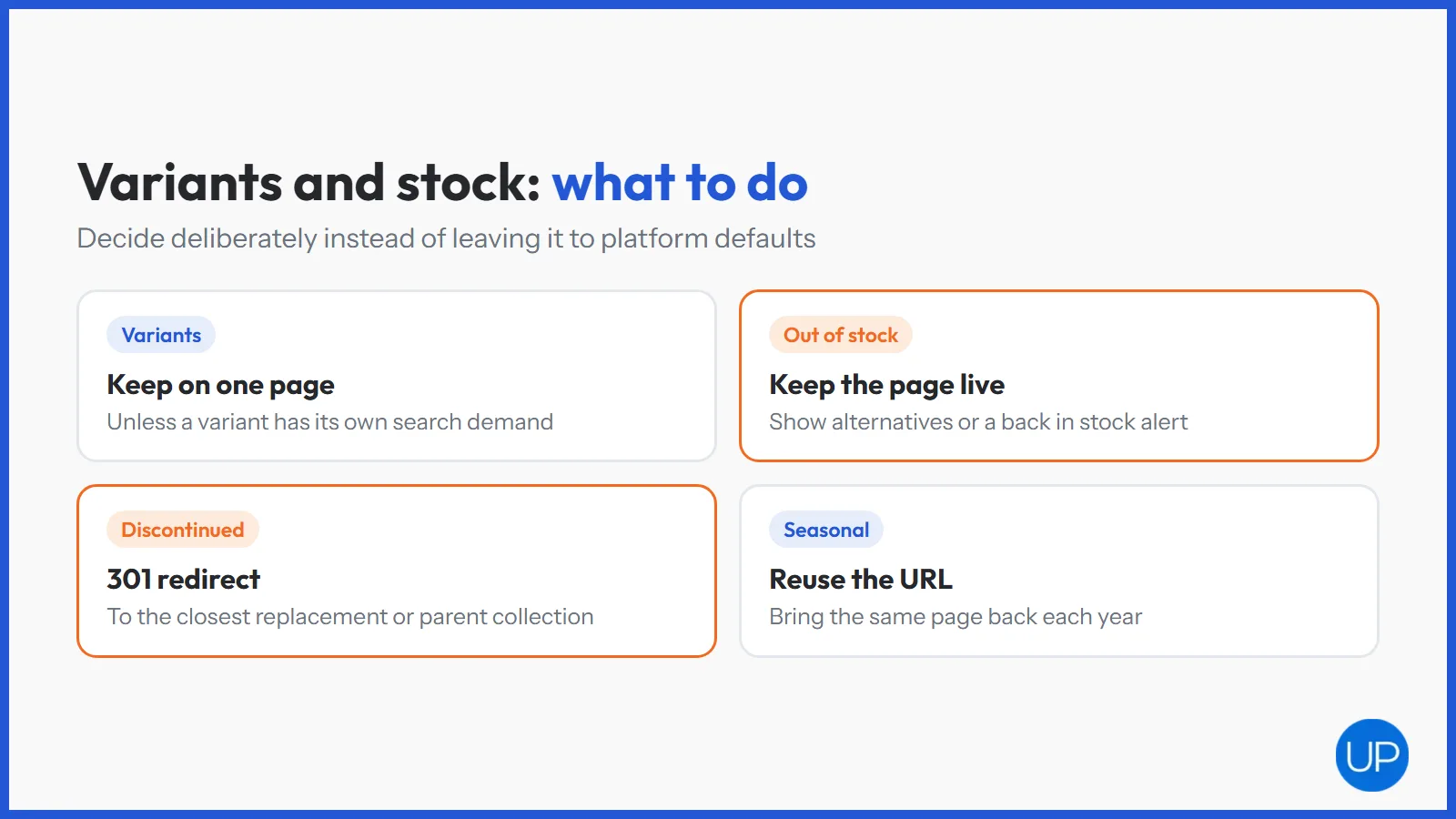
- Variants: keep sizes and colours on one product page in most cases, so authority is not split. Create separate pages only when each variant has its own search demand.
- Temporarily out of stock: keep the page live, show a clear message and offer alternatives or a back in stock alert.
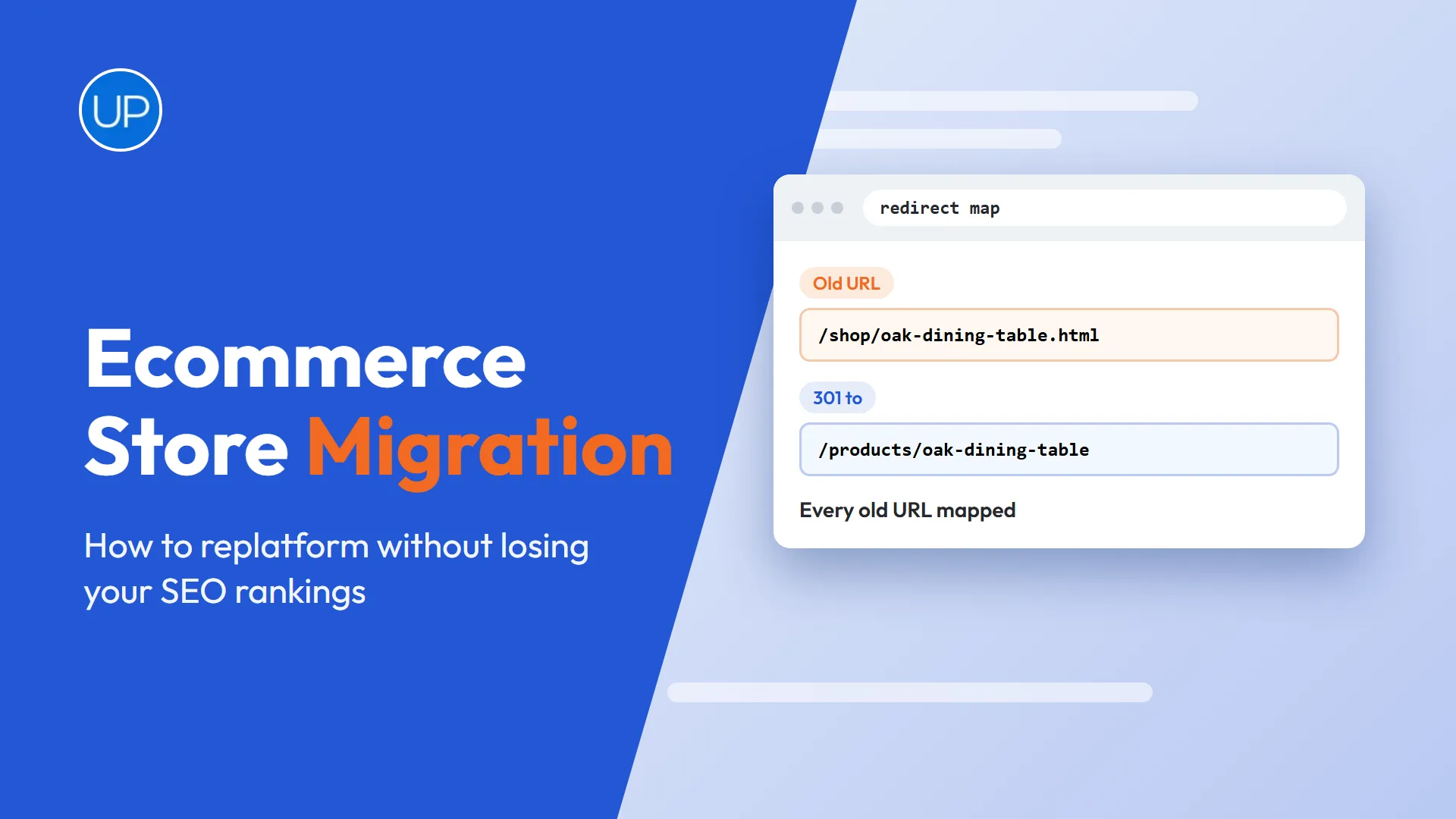
- Discontinued: 301 redirect to the closest replacement or the parent collection.
- Seasonal products: reuse the same URL each year rather than creating a new one.
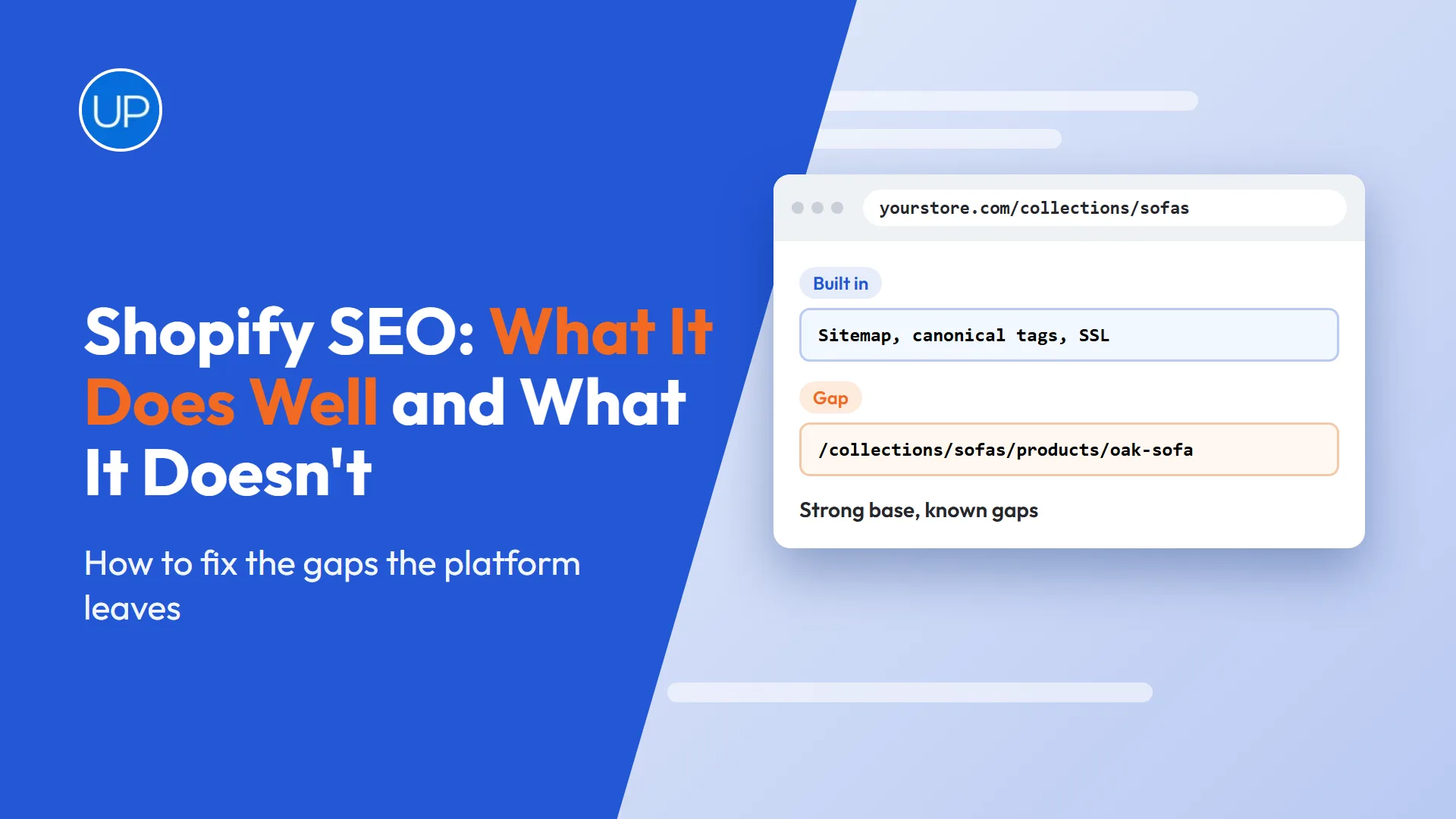
Platform behaviour differs here, because Shopify and WooCommerce build variant URLs in different ways. Good Shopify SEO services and WooCommerce SEO services both start by checking what your theme does before changing anything.
What Technical Issues Stop Product Pages Ranking?
Sometimes the copy is fine and the page still does not rank. In that case, a technical problem is usually stopping Google from crawling, indexing or trusting the page.
- Slow pages weighed down by large images and app scripts.
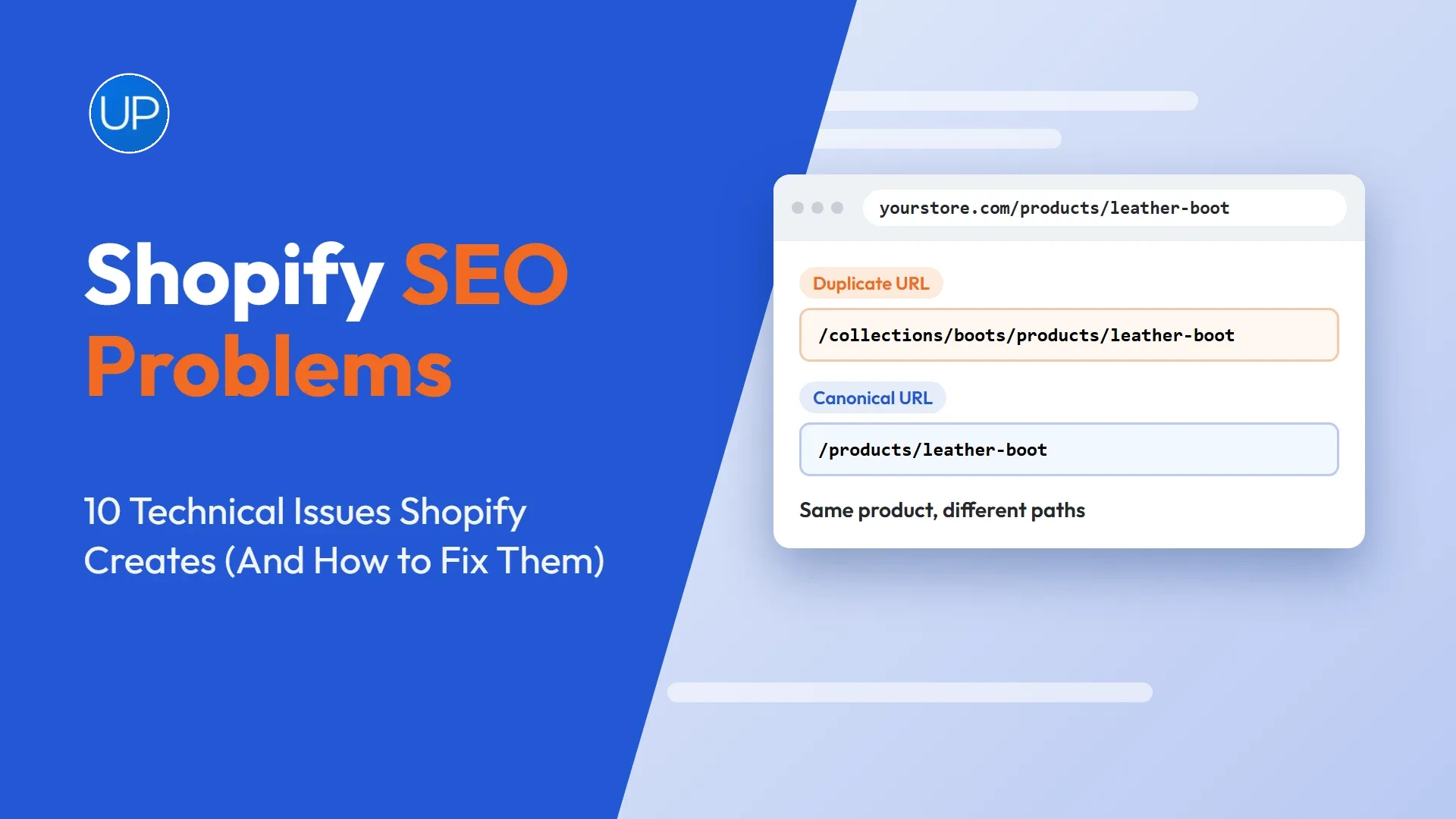
- Duplicate URLs for the same product through collections, filters or tracking parameters.
- Accidental noindex tags or canonical tags pointing at the wrong page.
- Thin pages that Google decides are not worth indexing.
Check the Page indexing report in Google Search Console for affected products. If the causes are not obvious, technical SEO audit services can trace them across the whole catalogue.
How to Rank Product Pages on Google: Where Should You Start?
Knowing how to rank product pages on Google comes down to a simple order of work. Match each page to a specific search, write unique copy, add complete structured data and link to it from the pages around it.
Start with the products that already earn impressions or sit just off page one, because they move fastest. As those pages improve, roll the same template and process across the catalogue, and the gains will build with every product you fix. That is the kind of steady progress an ecommerce SEO service should be measured on.
Frequently Asked Questions
Product pages rank higher when they match a specific search, have unique and useful content, load quickly and include complete structured data. Internal links from collection pages and guides also help, as do genuine customer reviews that add fresh text to the page.
Fix technical issues that stop pages being crawled or indexed, then improve the pages closest to page one with better content and internal links. Over time, build authority with links from relevant sites. For stores, collection and product pages should be the priority.
No. You can pay for Google Ads and Shopping ads, which appear in labelled ad positions, but you cannot pay to improve organic rankings. Organic positions are earned through relevance, quality and authority.
Organic rankings do not cost money directly. Set up Google Search Console, make sure your pages can be indexed, write unique content that answers real searches and earn links from relevant websites. Free product listings through Google Merchant Center are another no cost option for stores.
New stores usually need several months before rankings for competitive terms appear, because they have little authority at first. Specific product searches with low competition can rank sooner. Consistent technical work, content and links shorten the wait.