Table of Contents
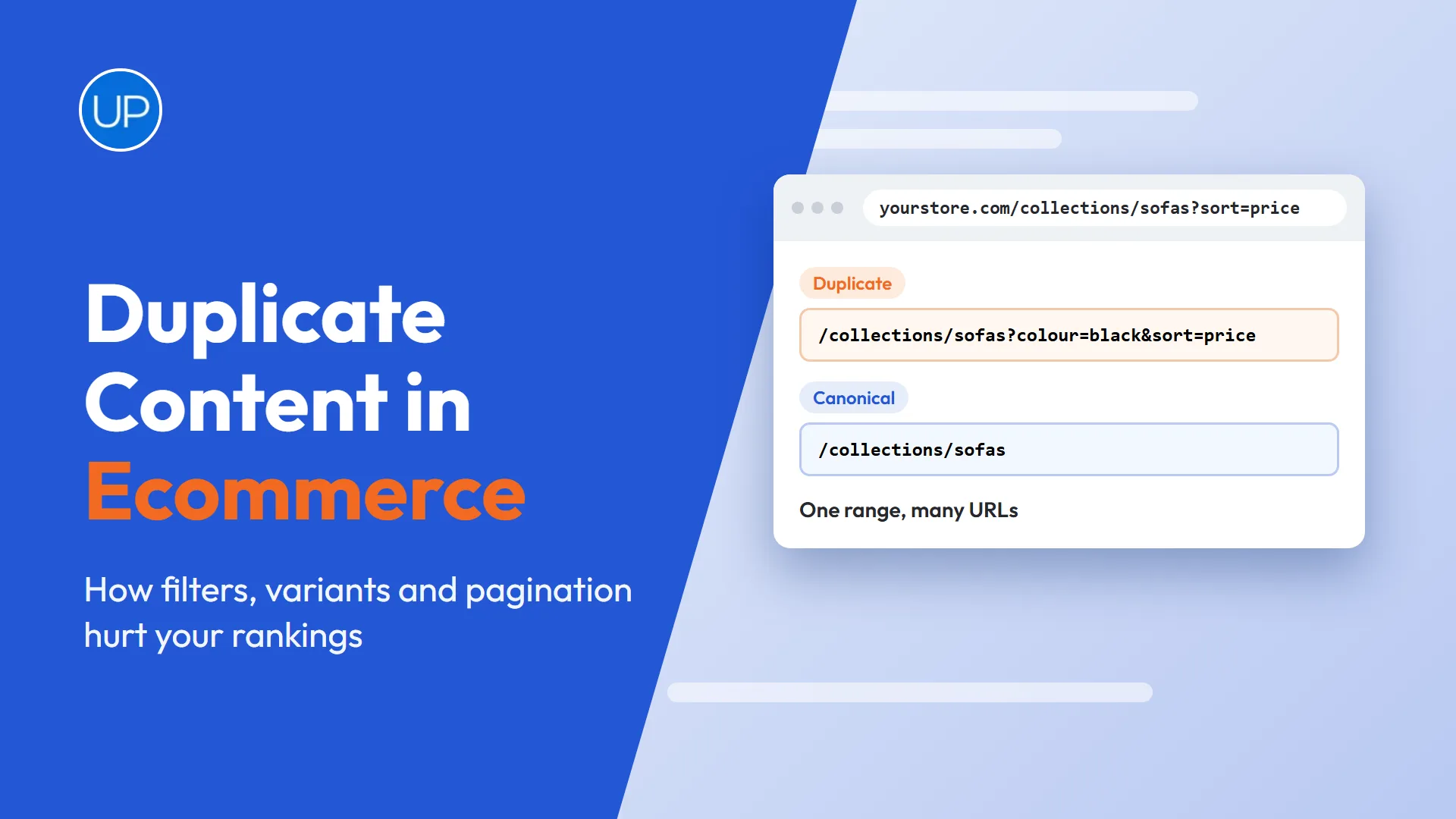
Most online stores have far more URLs than they think. Every filter, sort option, colour variant and paginated page can create a new address for content that already exists somewhere else on the site.
That is how duplicate content in ecommerce builds up without anyone noticing. Google wastes time crawling near identical pages, ranking signals get split, and the page you want to rank is not always the one Google chooses. This guide explains where the duplicates come from, why they matter and how to fix each cause on Shopify, WooCommerce and other platforms.
📌 TL;DR:
- Google does not usually penalise duplicate content, but it does split signals and choose one version to show.
- Filters, sort options, variants, pagination and collection paths are the main sources on stores.
- Canonical tags, clean internal links and indexing rules solve most technical duplication.
- Near identical collections and copied product descriptions need unique content, not just tags.
- Fix the duplicates on your most valuable collections first.
Why Does Duplicate Content in Ecommerce Hurt Rankings?
Google rarely penalises duplicate content unless it is clearly meant to deceive. The real cost is subtler. When several URLs show the same content, Google has to pick one, and it may not pick the one you want.
- Split signals. Links and internal links spread across several versions instead of strengthening one.
- Wasted crawling. Googlebot spends time on filter and sort URLs instead of new products.
- Wrong pages ranking. A filtered or paginated URL can appear in search instead of the main collection.
- Weak relevance. Collections with the same products and copy give Google no reason to rank either one.
How Do Filters and Sorting Create Duplicate Pages?
Faceted navigation is the biggest source of duplicate content in ecommerce. Each filter combination, such as colour, size, price or brand, can generate a new URL with almost the same products in a different order.
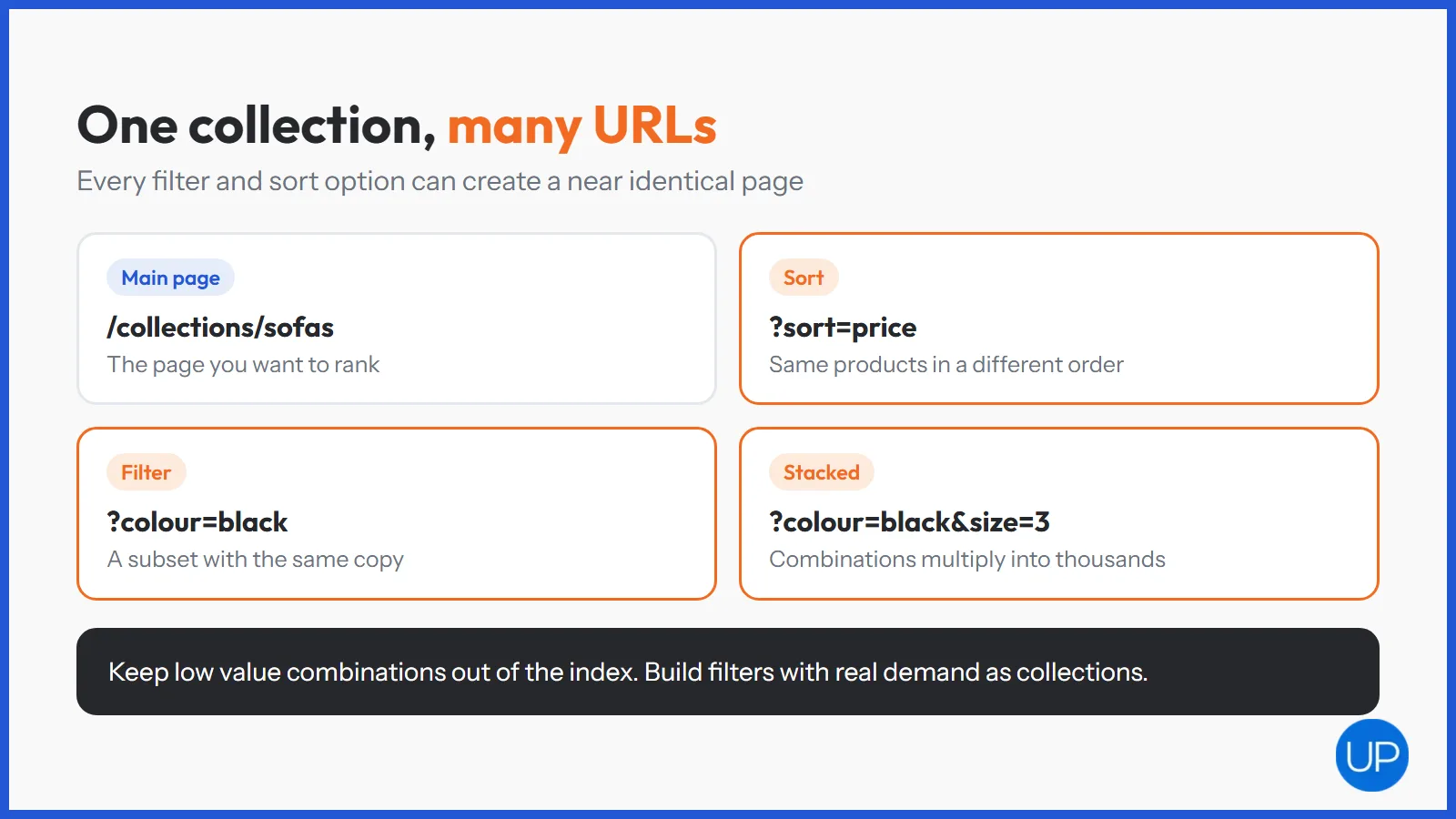
- Sort options like price low to high create a new URL with identical products.
- Stacked filters multiply quickly. A few filters with several values each can create thousands of combinations.
- Tag pages on Shopify and attribute archives on WooCommerce add more versions of the same range.
The fix is to decide which filtered pages deserve to exist. Keep low value combinations out of the index with canonical tags or noindex, and stop linking to them where you can. If a filter matches real search demand, such as “black leather sofas”, build it as a proper collection with its own copy instead.
How Do Product Variants Cause Duplication?
Variants are sizes, colours or materials of the same product. Problems appear when each variant gets its own URL with the same description.
- Variant parameters, such as ?variant= on Shopify, can be crawled as separate pages.
- Separate variant products with copied descriptions compete with each other.
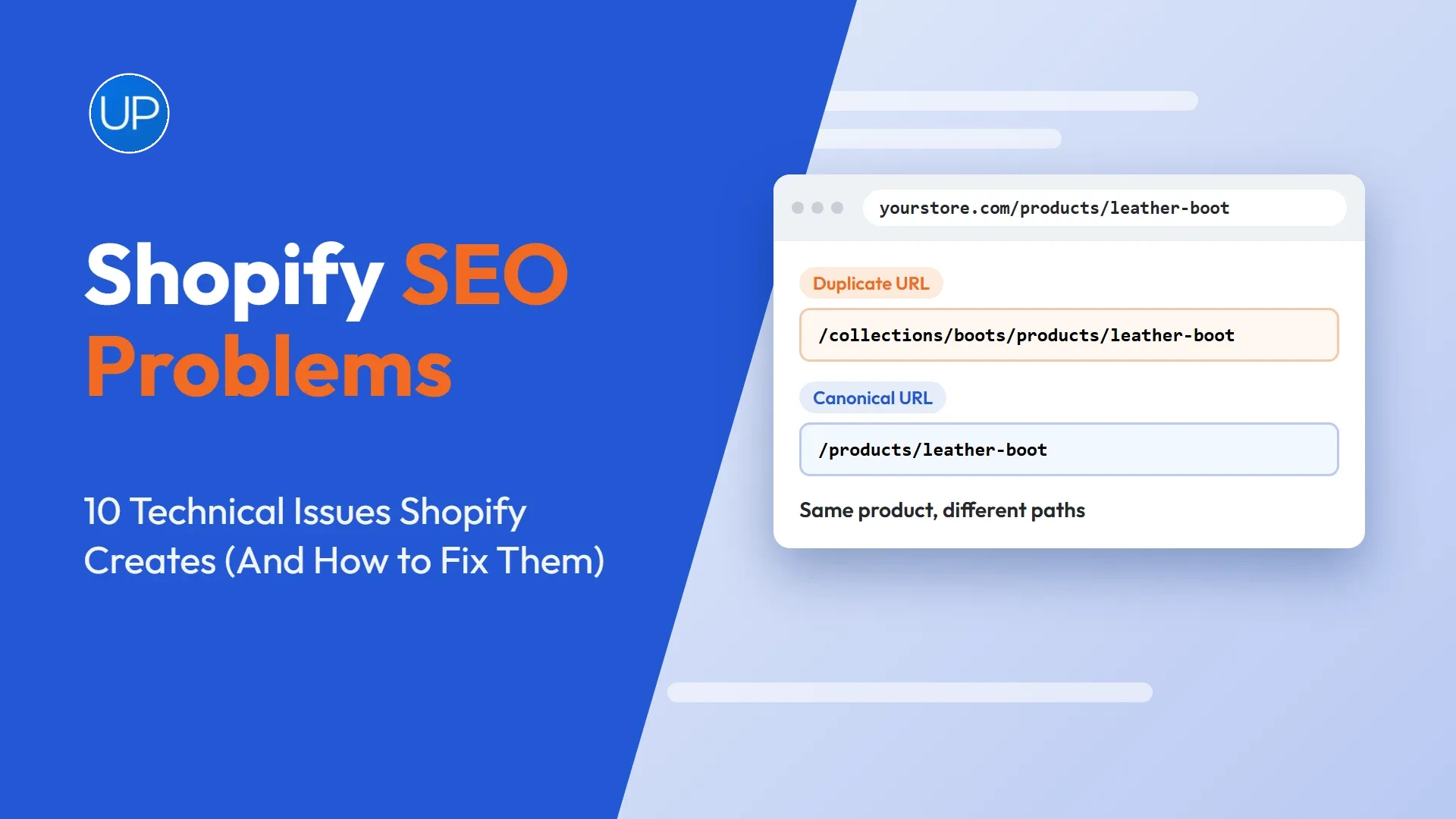
- Collection nested URLs, such as /collections/name/products/item, repeat the same product under several paths.
In most cases, keep variants on one product page with a canonical tag pointing to the main URL. Only give a variant its own page when it has its own search demand and you can write genuinely different content for it. On Shopify, also edit the theme so collection grids link straight to the /products/ URL.
Does Pagination Create Duplicate Content?
Paginated collection pages, such as page two and page three of a range, are not duplicates in themselves. They list different products. Problems come from how they are set up.
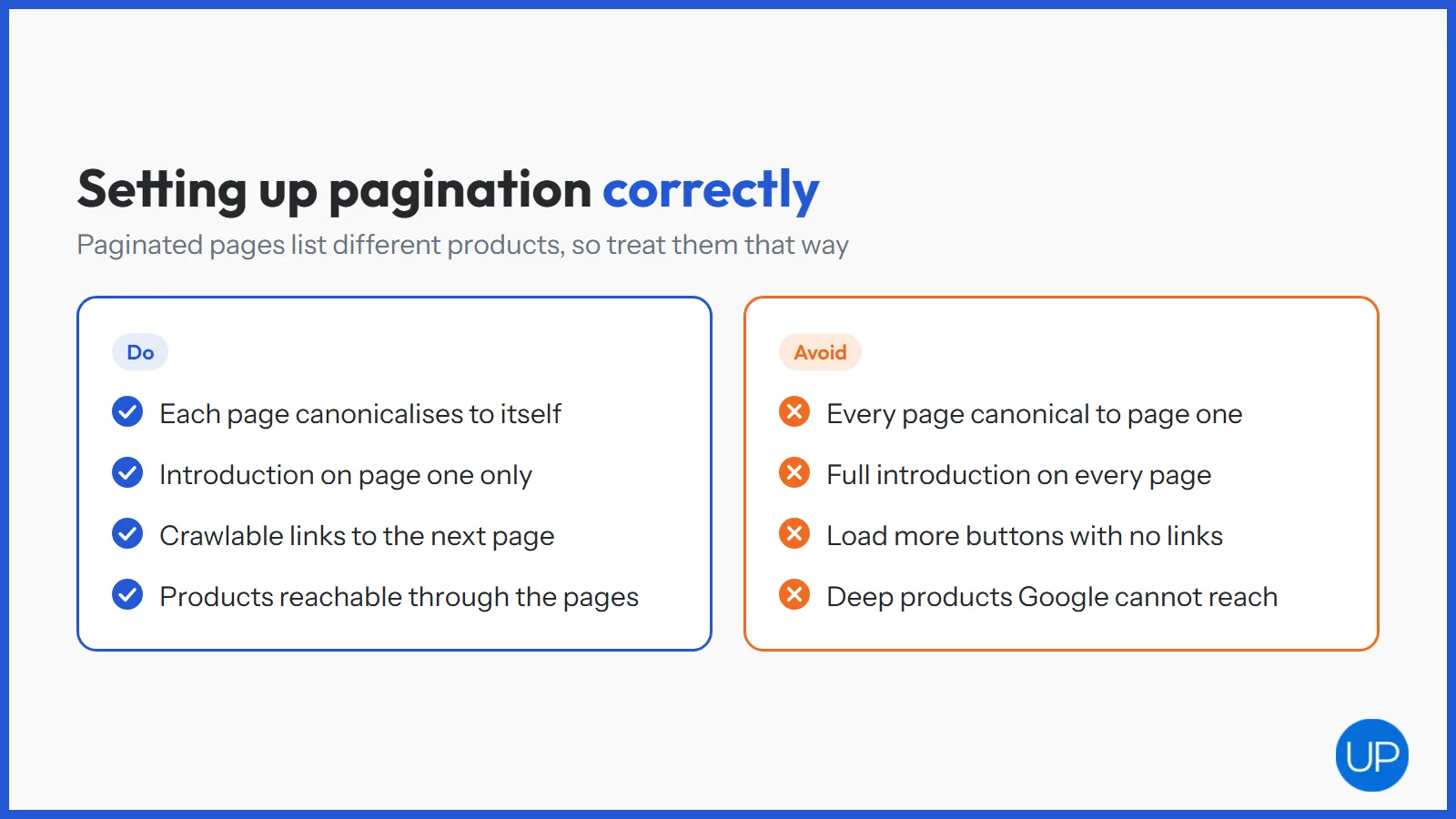
- Canonical to page one. Pointing every page’s canonical at page one tells Google to ignore products deeper in the range.
- Repeated copy. Showing the full collection introduction on every page creates near duplicates.
- Load more buttons without crawlable links can hide deeper products from Google entirely.
Let each paginated page canonicalise to itself, keep the main introduction on page one, and make sure every page links to the next with a normal link. Google’s guidance on consolidating duplicate URLs explains how it treats canonicals.
Why Do Similar Collections Compete With Each Other?
Technical fixes do not solve every duplicate problem. Some of the most damaging duplication comes from collections that show the same products with the same copy, aimed at slightly different searches.
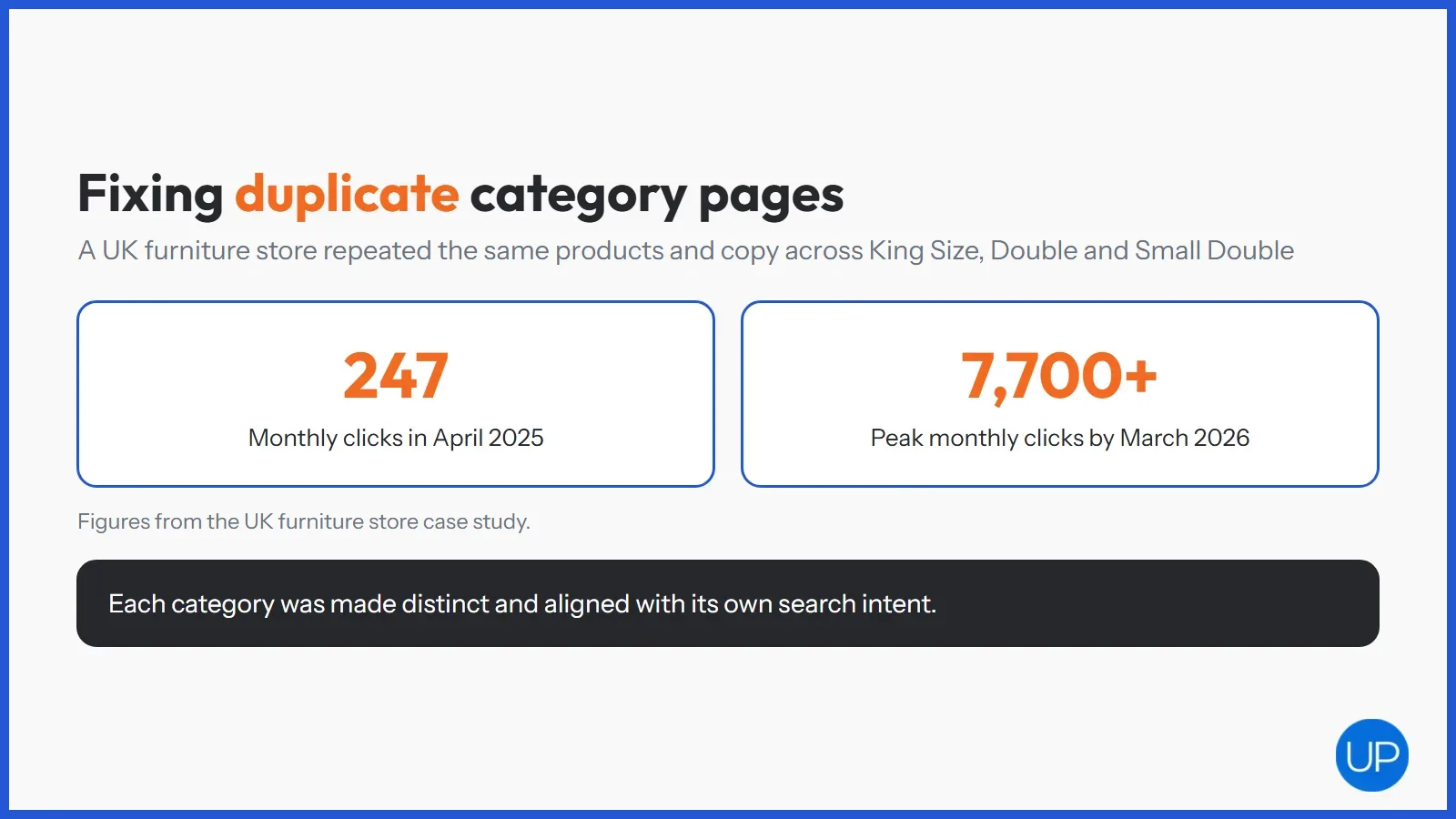
A UK Shopify store selling divan beds had exactly this problem. Identical products, images and descriptions were repeated across category pages such as King Size, Double and Small Double, so Google could not tell which page should rank. After each category was made distinct and aligned with its search intent, organic traffic grew from approximately 247 monthly clicks in April 2025 to a peak of over 7,700 monthly clicks by March 2026.
- Write unique introductions that speak to the specific search each collection targets.
- Adjust product content by context where the same product appears in several sizes or uses.
- Merge collections that target the same search term and have no real difference.
This kind of work sits with on page SEO rather than code, because the fix is better content and clearer targeting.
What About Copied Product Descriptions?
Manufacturer descriptions are a different type of duplicate. The same text appears on every retailer that stocks the product, so Google has to choose which site to show.
- Rewrite descriptions for best sellers and high margin products first.
- Add details only you know, such as fit notes, delivery information and answers to common questions.
- Show genuine reviews, which add unique text to every product page.
How Do You Find Duplicate Content on Your Store?
Finding duplicates is mostly a crawl and a careful look at Search Console. Start with the pages that matter most to revenue.
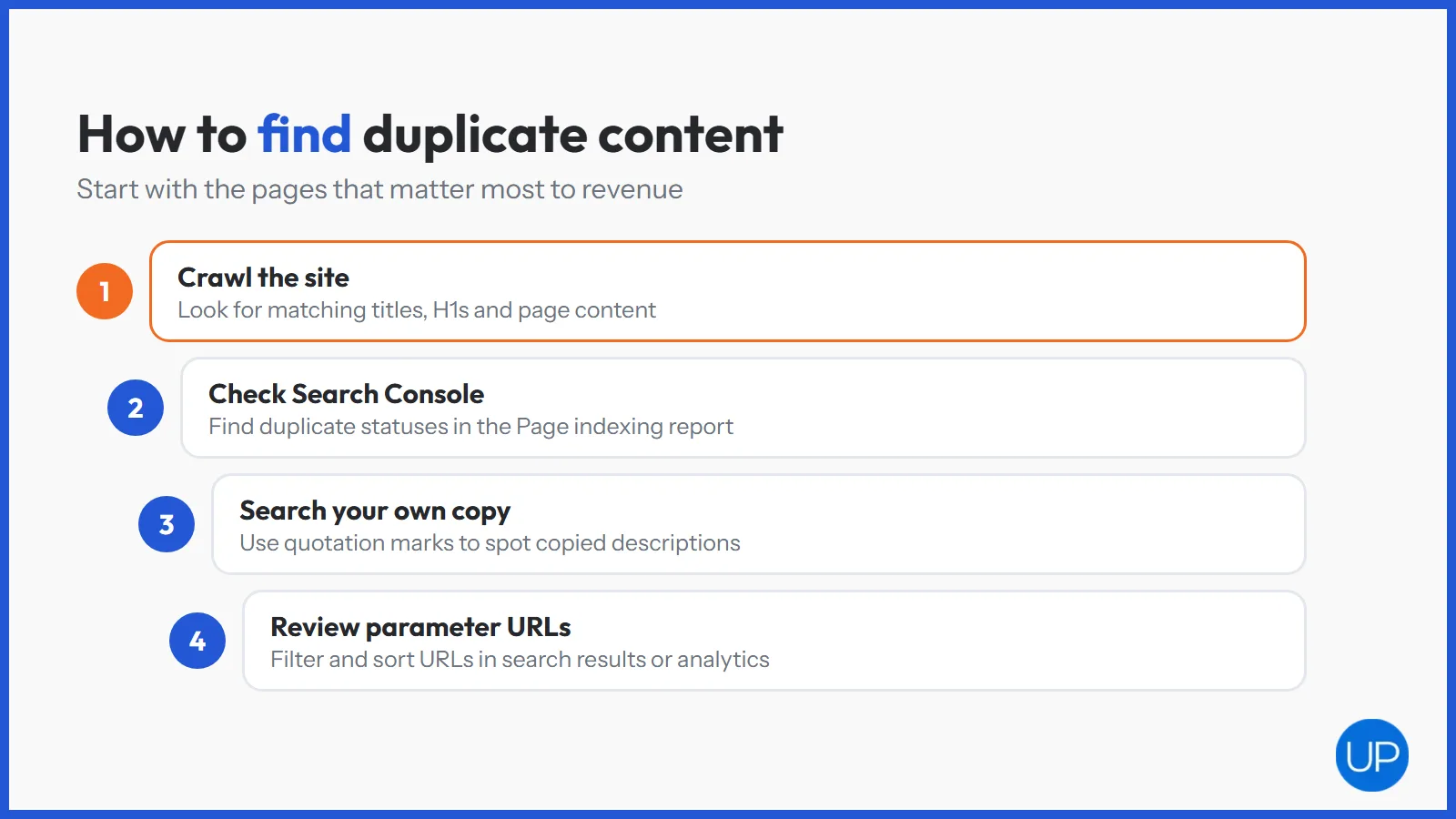
- Crawl the site and look for matching titles, matching H1s and near identical page content.
- Check the Page indexing report for “Duplicate without user selected canonical” and similar statuses.
- Search your own copy in Google with quotation marks to spot copied descriptions.
- Review filter and parameter URLs that appear in your search results or analytics.
Our technical SEO checklist for ecommerce covers the wider checks that sit alongside this. For a full review, website SEO audit services list every duplicate cluster by impact.
Do the Fixes Differ on Shopify and WooCommerce?
The principles are the same everywhere, but each platform creates duplicates in its own way.
- Shopify: collection nested product URLs, tag pages, variant parameters and filter URLs. Shopify SEO for UK businesses usually starts with theme links and tag pages.
- WooCommerce: category and tag archives, attribute filters, and products in several categories. WooCommerce SEO services often start with archive settings and canonical rules.
Large catalogues with thousands of filter URLs usually need technical SEO services to set crawl and indexing rules safely.
Where Should You Start?
Duplicate content in ecommerce is rarely one big problem. It is many small ones, created by filters, variants, pagination, similar collections and copied text. Each has a clear fix.
Start with your highest value collections, make sure each has one clear URL and unique content, then work outwards to filters and products. Every duplicate you remove gives Google a clearer signal about which page to rank, and an SEO ecommerce agency can carry the same process across a large catalogue.
Frequently Asked Questions
It is usually not a penalty, but it does hold rankings back. Duplicate pages split links and signals, waste crawling and can lead Google to show the wrong version. On large stores the effect adds up across thousands of URLs.
Use canonical tags to point duplicates at the preferred URL, 301 redirect pages you no longer need, and keep low value filter pages out of the index. Where two pages target the same search, merge them or make each one unique.
Google does not punish ordinary duplicate content, such as filter URLs or printer friendly versions. It simply chooses one version to show. Penalties are for content copied deliberately to manipulate rankings, such as scraped pages.
Crawl your site with a tool like Screaming Frog and look for matching titles, headings and page content. Check the Page indexing report in Google Search Console for duplicate statuses, and search unique sentences from your pages in quotation marks.
Combine a site crawl with Google Search Console. The crawl finds internal duplicates, while Search Console shows which URLs Google treats as duplicates and which canonical it picked. Tools such as Siteliner or Copyscape can also check for copied text.