Table of Contents
Great products and well written collection pages cannot rank if Google struggles to crawl, index or load them. Technical problems are invisible to shoppers, but they quietly hold back revenue on thousands of stores.
This ecommerce technical SEO checklist covers the checks that matter most for online stores, with notes on where Shopify and WooCommerce behave differently. Work through it once to find the gaps, then repeat the key checks every quarter. It is written for store owners, marketers and developers who want a clear, practical list rather than theory.
📌 TL;DR:
- Start with crawling and indexing, because nothing else matters if key pages are not in Google’s index.
- Keep URLs clean and control the duplicates created by filters, variants and collection paths.
- Fix speed and Core Web Vitals on templates, since one fix improves every page that uses it.
- Add complete Product and breadcrumb structured data, and keep redirects clean.
- Shopify and WooCommerce share most checks, but each has its own common problems.
Why Does Technical SEO Matter More for Online Stores?
Stores have more URLs, more templates and more moving parts than most websites. A small technical issue on one template can repeat across every product or collection.
- Scale: thousands of products, variants and filter combinations multiply any mistake.
- Change: stock, prices and ranges change daily, which creates broken links and dead pages.
- Apps and plugins: each one can add scripts, pages or code that affect speed and indexing.
That is why technical SEO on a store is an ongoing process rather than a one off fix.
Crawling and Indexing: Can Google Find Your Pages?
Begin here. If Google cannot reach or index a page, it cannot rank it.
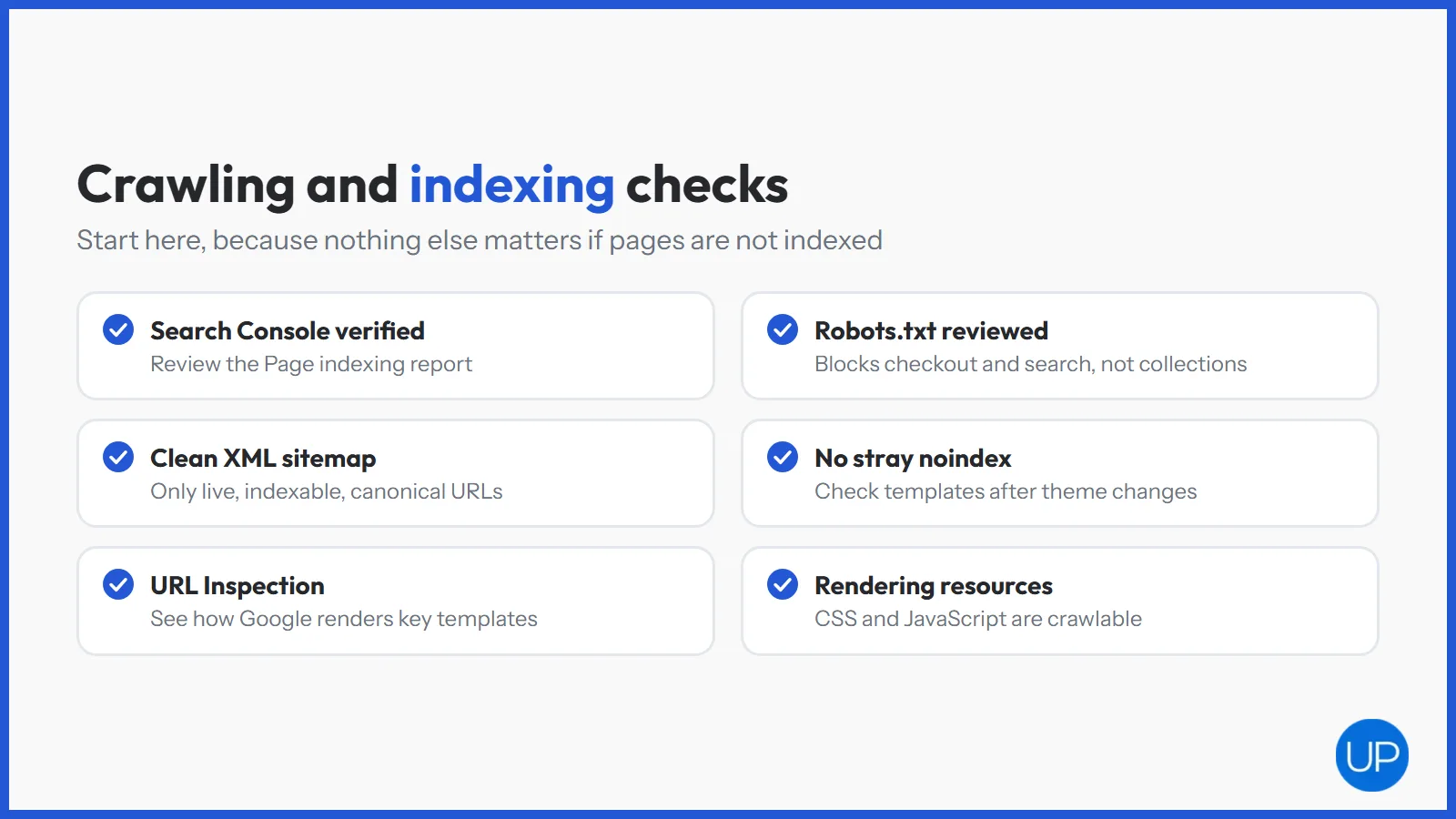
- Verify Google Search Console and review the Page indexing report for excluded collections and products.
- Check robots.txt so it blocks checkout, account and internal search pages, but not collections, products or the CSS and JavaScript they need.
- Submit an XML sitemap that lists only live, indexable, canonical URLs.
- Look for stray noindex tags on templates, especially after theme or plugin changes.
- Use the URL Inspection tool to see how Google renders a sample product and collection.
Site Architecture and URLs: Is Your Structure Clear?
A clear structure helps Google understand which pages matter and how they relate. It also spreads authority from the homepage to the pages that sell.
- Keep key pages shallow. Important collections should be reachable within a few clicks of the homepage.
- Use readable URLs with clear words and no unnecessary parameters or IDs.
- Link collections in the main navigation using plain, crawlable links.
- Add breadcrumbs that show the path from home to collection to product.
- Find orphan pages, meaning live pages that nothing on the site links to.
Duplicate Content and Canonicals: Are Pages Competing?
Ecommerce platforms create duplicate URLs by default. Left alone, they split ranking signals and waste crawling.
- Check canonical tags on products, collections and paginated pages. Each should point to the preferred URL.
- Control filter and sort URLs so they do not get indexed unless they match real search demand.
- Review variant handling so sizes and colours do not create separate thin pages.
- Look for near duplicate collections that target the same search term.
Speed and Core Web Vitals: Do Pages Load Fast Enough?
Speed affects rankings and, even more, conversions. Focus on templates, because fixing a collection template fixes every collection page at once.
- Check Core Web Vitals in Search Console and PageSpeed Insights for your main templates.
- Compress and resize images, and serve modern formats such as WebP.
- Remove unused apps and plugins, and the code they leave behind.
- Delay non essential scripts such as chat widgets and some tracking tags.
- Reserve space for images and banners to stop layout shifts as the page loads.
Structured Data, Mobile and Security: Are the Basics in Place?
These checks are often assumed to be fine. On many stores they are only partly done.
- Product structured data with price, availability and genuine reviews on every product page.
- Breadcrumb and organisation markup for clearer search results.
- Mobile usability, since Google indexes the mobile version of your pages.
- HTTPS everywhere, with no mixed content warnings and HTTP pages redirecting to HTTPS.
Redirects and Status Codes: Are Old URLs Handled?
Products come and go, so redirects need constant attention. Broken URLs waste crawling and throw away the value of any links pointing at them.
- Fix 404s for removed products with 301 redirects to the closest replacement or parent collection.
- Remove redirect chains so each old URL goes straight to its final destination.
- Update internal links that still point at redirected or broken pages.
- Watch for server errors in Search Console, which can signal hosting or plugin problems.
What Is Different on Shopify and WooCommerce?
Most of this ecommerce technical SEO checklist applies to both platforms. The common problems differ, though, so add these platform checks.
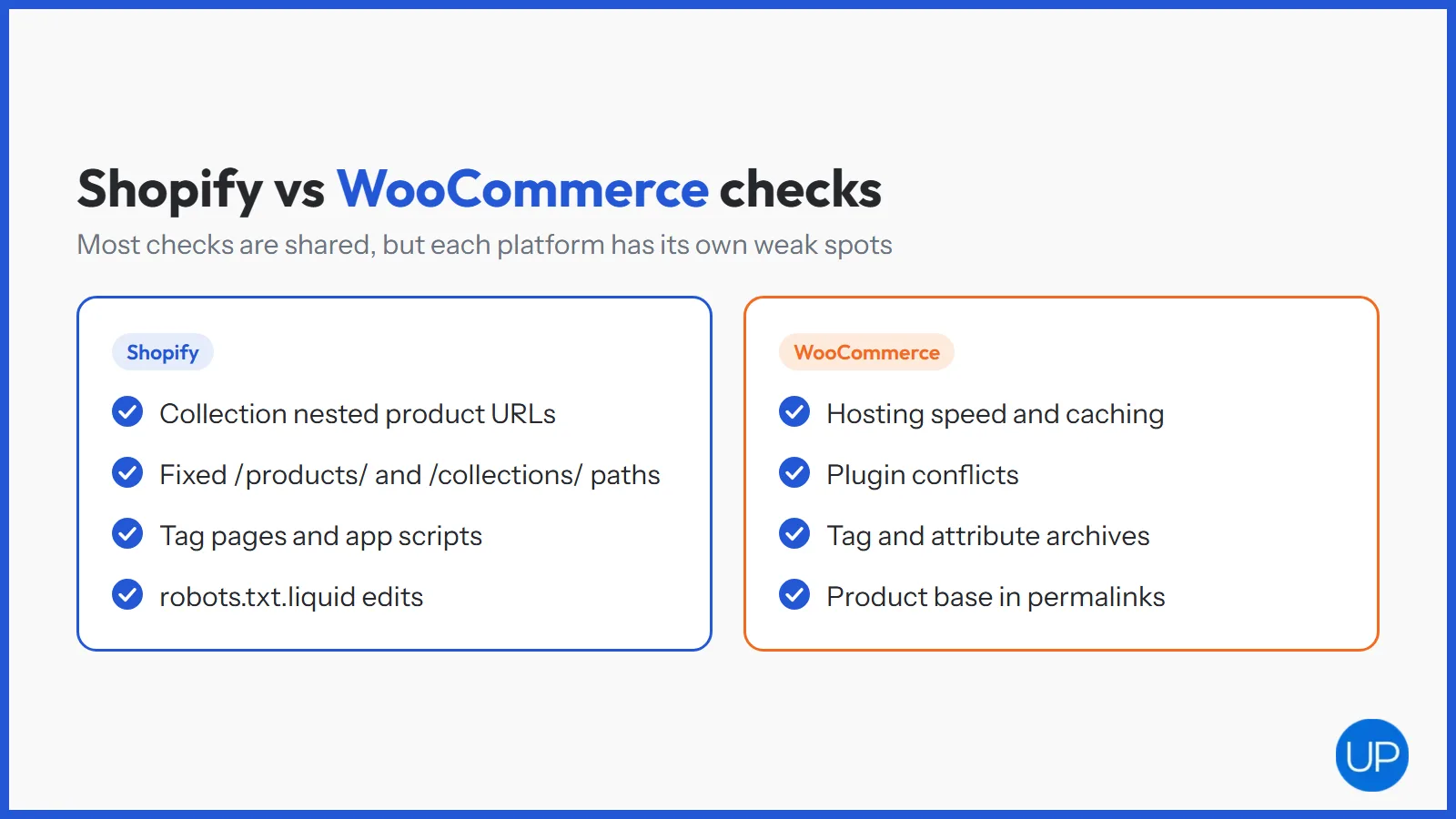
- Shopify: collection nested product URLs, fixed /products/ and /collections/ paths, tag pages, app scripts and robots.txt.liquid edits. A Shopify SEO service will know where each of these sits in the theme.
- WooCommerce: hosting speed, caching setup, plugin conflicts, tag and attribute archives, and the product base in permalinks. Specialist WooCommerce SEO services often start with hosting and plugins.
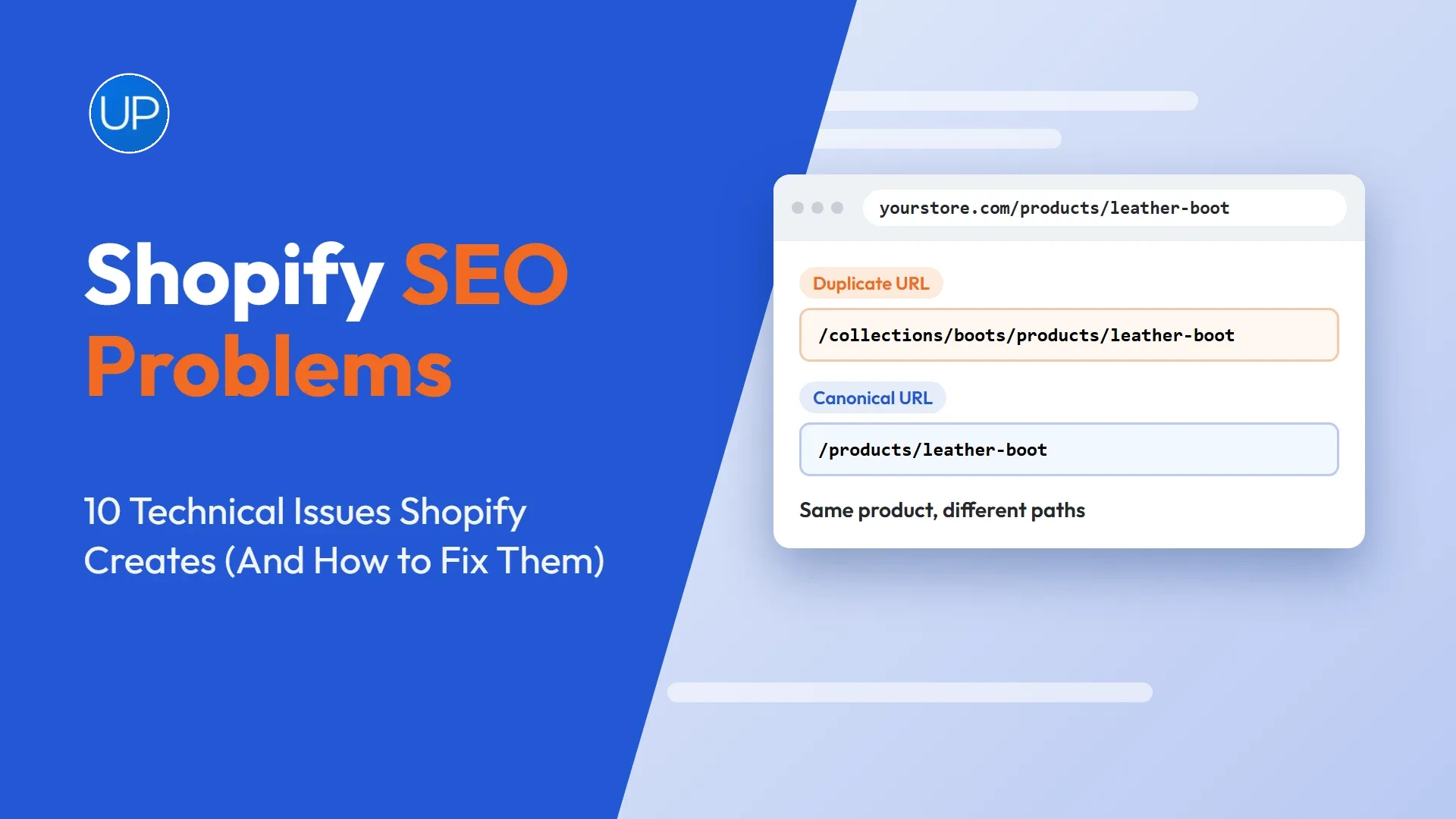
Shopify stores can also check our guide to Shopify SEO problems for the platform specific detail.
How Often Should You Run an Ecommerce Technical SEO Checklist?
Run the full list once to set a baseline, then keep a lighter routine going. Problems tend to appear after changes, so tie checks to the moments when things change.
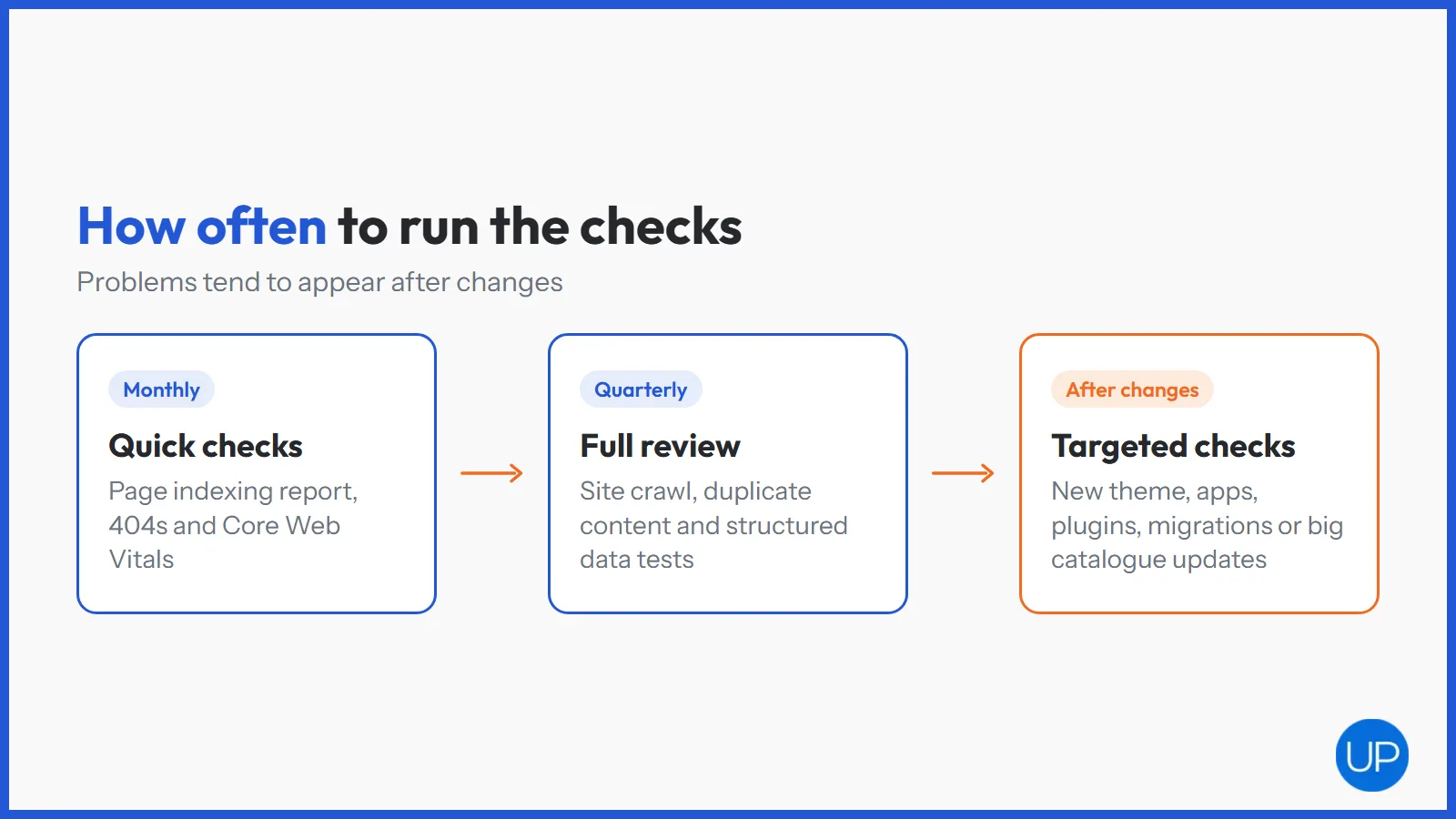
- Monthly: Page indexing report, 404s and Core Web Vitals.
- Quarterly: full crawl, duplicate content review and structured data tests.
- After any big change: new theme, new apps or plugins, migrations or large catalogue updates.
If organic traffic has already dropped, our ecommerce SEO audit guide sets out the order to investigate. For a full independent review, website SEO audit services turn the findings into a prioritised plan.
What Should You Fix First?
Work through your ecommerce technical SEO checklist in order of impact. Indexing problems come first, then duplicates and structure, then speed, structured data and redirects. Fixes on shared templates deliver the biggest gains for the least effort.
Technical SEO does not win sales on its own, but it decides whether your collections and products get a fair chance to rank. Keep the foundations clean and every improvement you make to content and links has more room to compound. If you need support, an ecommerce SEO agency can run these checks as part of a wider plan.
Frequently Asked Questions
Technical SEO is the work that helps search engines crawl, understand and index your website. It covers things like site speed, URLs, sitemaps, redirects, duplicate pages and structured data. It makes sure good content can actually be found and ranked.
Crawl the site with a tool such as Screaming Frog, review the Page indexing and Core Web Vitals reports in Google Search Console, and check key templates by hand. List each issue with its impact, then fix them in order, starting with anything that blocks indexing.
Common technical SEO issues include pages blocked from crawling, accidental noindex tags, duplicate URLs, broken links, redirect chains, slow pages and missing structured data. On ecommerce sites they often come from filters, variants, removed products and apps.
The three Core Web Vitals are Largest Contentful Paint, which measures loading, Interaction to Next Paint, which measures responsiveness, and Cumulative Layout Shift, which measures visual stability. Check all three for your homepage, collection and product templates.
SEO is usually split into technical SEO, on page SEO and off page SEO. Technical SEO covers crawling and site health, on page SEO covers content and page elements, and off page SEO covers links and brand mentions from other sites.